You have a registration sheet open in one tab, a last-minute RSVP email in another, and someone at the venue is asking which list is the “final” one. At the door, staff are scrolling through rows, crossing off names by hand, and trying to decide whether “Jen Smith” is the same person as “Jennifer S.” from the finance team. The line gets longer. The confidence gets lower.
That's the moment many realize the problem isn't effort. It's the workflow. Manual event operations can work for a while, especially for small internal meetings or community gatherings. Then one event gets bigger, one venue has weak internet, one VIP arrives unlisted, and the whole process starts depending on luck.
Event manager software exists to remove that fragility. It turns registration, ticketing, check-in, attendance tracking, and reporting into one connected system instead of five half-connected ones. That shift is no longer niche. The event management software market is projected to reach USD 96.5 billion by 2036, expanding at a CAGR of 17.1% from 2026, with the corporate sector expected to hold 39.7% in 2026 because teams need stronger registration and analytics capabilities, according to Future Market Insights' event management software market outlook.
Table of Contents
- Your Last Event with a Clipboard and Spreadsheet
- What Exactly Is Event Manager Software
- Core Features That Streamline Every Event
- A Buyer's Checklist for Choosing the Right Software
- Common Pricing Models and What to Expect
- From Spreadsheets to Software A Practical Migration Guide
- The Future of Your Events Is Seamless
Your Last Event with a Clipboard and Spreadsheet
If you've ever run check-in from a printed spreadsheet, you already know the weak spots. Someone updates the attendee list after the printout is done. A guest arrives with a confirmation email but the paper list says nothing. Two staff members mark the same person differently. Then nobody can tell how many people are inside.
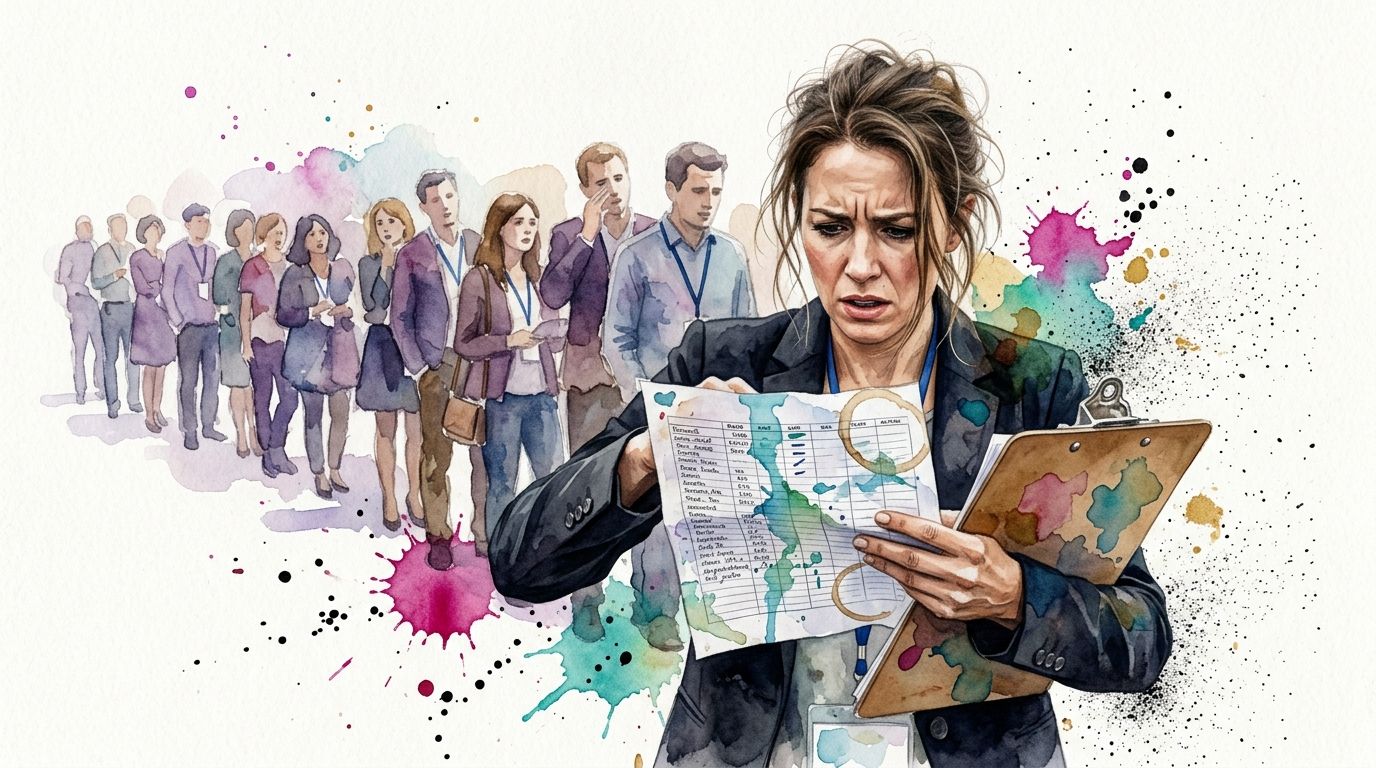
Manual event management usually fails in the same places. It fails at speed, because staff can't search and verify fast enough. It fails at accuracy, because the list changes too often. It fails at visibility, because attendance becomes a rough guess until someone cleans the data after the event.
What the clipboard never tells you
A clipboard can show a name. It can't show whether that attendee checked into a morning session, whether they're approved for a VIP area, or whether they already entered through another gate. Spreadsheets can store that information, but they don't enforce it in real time at the door.
That gap matters most when the event has moving parts:
- Multiple access levels: Sponsors, speakers, staff, guests, and paid attendees rarely belong on the same rule set.
- Live changes: Last-minute registrations and substitutions happen constantly.
- Several entry points: A single “master list” becomes unreliable as soon as more than one person starts checking people in.
Practical rule: If your team needs walkie-talkies to confirm whether someone is allowed in, your process has already outgrown manual check-in.
Professional event teams don't adopt event manager software because clipboards are old-fashioned. They adopt it because the old process creates avoidable delays and weak data. Once entry operations move into a live system, registration status, attendance records, and entry permissions stop drifting apart.
What Exactly Is Event Manager Software
Event manager software is the operating layer for an event. Think of it as the central control system that coordinates registration, attendee records, communications, check-in, and reporting so your team isn't stitching the event together from disconnected apps and files.
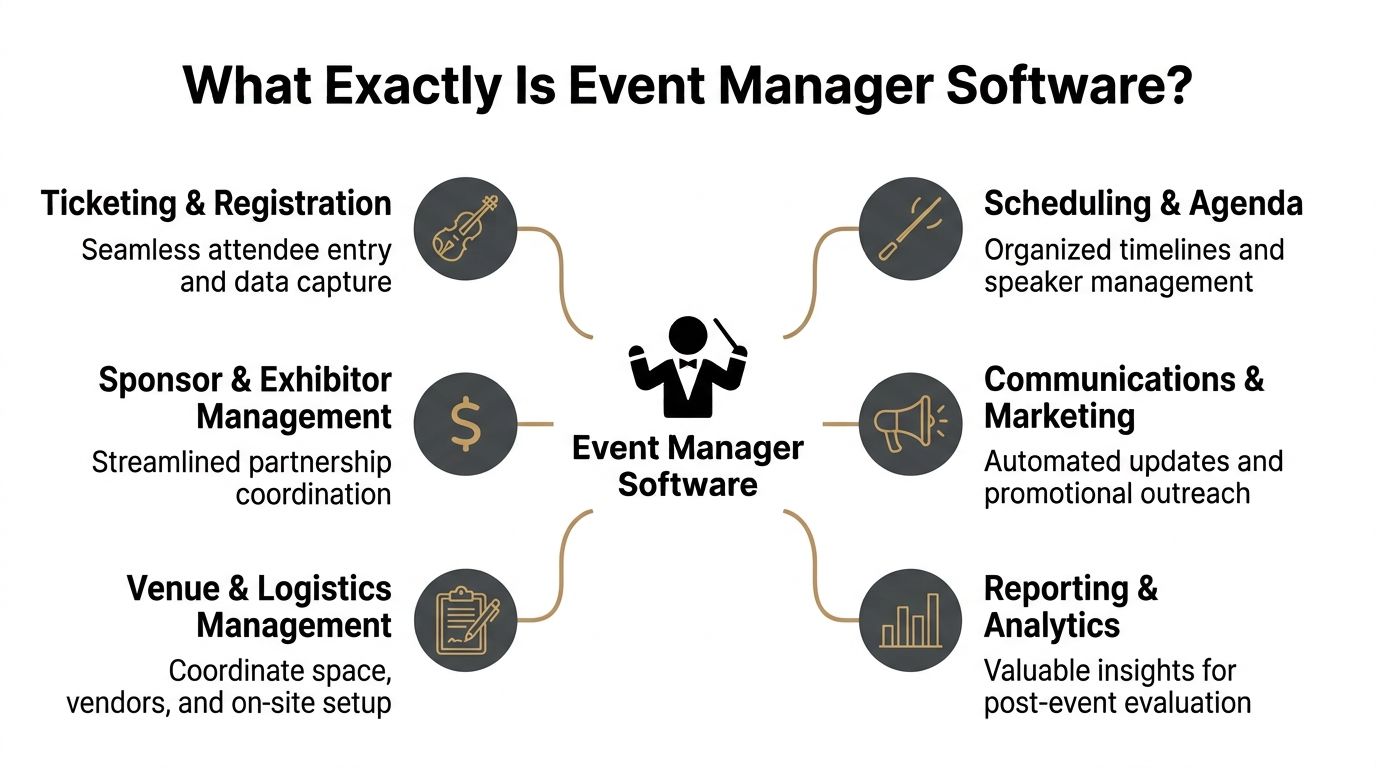
A lot of buyers start by looking for a ticketing tool. That's understandable, but it's too narrow. Ticketing is only one job. Real event operations also involve confirmation flows, check-in logic, attendance records, agenda control, sponsor handling, and what happens to the data after people leave. That's why teams researching modern platforms often compare broader cloud event management systems instead of treating registration as a standalone task.
One system instead of scattered tools
When teams say they already “have a system,” they often mean this:
- a form for registration
- a spreadsheet for attendee names
- an email inbox for changes
- a PDF export for badges
- a separate app for scanning
- another file for post-event reporting
That stack can function. It just doesn't function cleanly.
Good event manager software reduces the handoffs. It gives the registration form, attendee profile, ticket, check-in result, and attendance log a shared source of truth. That matters because most event-day mistakes don't come from one tool failing. They come from tools disagreeing with each other.
What it controls during the attendee journey
The easiest way to understand event manager software is to follow one attendee from start to finish.
They register. The platform stores the record and triggers the next step, whether that's payment, approval, confirmation, or a QR ticket. They arrive on site. Staff validate the ticket, mark them present, and apply the right access rules. During the event, the system can track session attendance or movement between zones. Afterward, the organizer has usable attendance data instead of a pile of partial notes.
A strong platform doesn't just collect names. It preserves operational truth from registration to reporting.
That's the practical difference between a simple event tool and a true event management system. One helps you create an event page. The other helps you run the event without losing control of the data halfway through.
Core Features That Streamline Every Event
The feature list on a vendor website can get long fast. In practice, a handful of functions do most of the heavy lifting. If those are solid, the platform can support real operations. If they're weak, staff end up building workarounds before the event even starts.
Modern event software now centers on QR-based entry. QR code ticketing generates unique, scannable codes tied to individual registrations, and top platforms in 2026 are judged by real-time validation, scan speed under peak load, and strong offline capability according to this overview of real-time QR code event ticketing.
The five features that matter most at the door
Registration and ticketing
The platform should create a clean attendee record from the beginning. That means custom fields, confirmations, and a ticket tied to the person who registered. If registration data is sloppy, check-in becomes a cleanup exercise.Real-time check-in
Staff need instant yes-or-no validation. Not “search the list and make a judgment.” Real-time validation prevents duplicate entry, catches ticket misuse, and logs attendance as it happens.Attendee data management Many teams underestimate the complexity here. Names and emails are the easy part. The harder part is handling categories, permissions, notes, special access, dietary flags, companions, and late changes without breaking the list.
Session and zone permissions
For conferences, festivals, graduations, and corporate programs, entry rules often vary by ticket type or role. Good software should let staff validate not only the person, but also where that person is allowed to go.Offline validation
This is not a bonus feature. Venues lose connectivity, tablets switch networks, and loading docks are notorious dead zones. If scanning stops when Wi-Fi drops, the check-in setup isn't operationally ready.
What breaks when a platform gets these wrong
Some problems show up immediately. Long lines are one. Duplicate records are another. The more damaging issues appear later, when the attendance report is incomplete and nobody trusts the numbers.
A weak platform usually produces one of these outcomes:
- Slow entry: Staff type names manually because scanning is unreliable.
- Poor gate control: Attendees enter spaces they shouldn't because access rules aren't built in.
- Messy reporting: Your event team spends hours reconciling attendance after the fact.
- Volunteer confusion: Temporary staff need a system they can learn fast. If your event depends on helpers, these volunteer management tools can help structure staffing and assignments alongside your check-in plan.
- Tool sprawl: One app handles registration, another handles entry, and nobody wants to own the sync errors. That's usually a sign to review a fuller event logistics software stack.
The best event-day technology is boring. Staff scan, the result is clear, and the line keeps moving.
That's the standard to aim for. Not flashy features. Reliable throughput, clean data, and fewer judgment calls at the entrance.
A Buyer's Checklist for Choosing the Right Software
Most software demos look good for fifteen minutes. Nice dashboard. Smooth registration flow. Friendly sales engineer. The hard part is figuring out whether the platform will still hold up when your event has multiple gates, late attendee changes, compliance requirements, and a venue network that behaves badly.
Enterprise evaluations have become stricter for a reason. Native support for core categories like registration, check-in, and analytics without middleware is a real filter, and offline check-in with local server sync is a key 2026 benchmark. Security compliance such as SOC 2, GDPR, and ISO 27001 is also mandatory in regulated environments, as outlined in InEvent's feature benchmark for event management software.
Questions worth asking before any demo
Don't ask only what the software can do. Ask how it behaves when conditions aren't ideal.
- Can staff scan offline and sync later? If the answer is vague, keep pushing.
- Are registration, check-in, and analytics native or patched together? Middleware often creates lag and support issues.
- How are access rules handled? You want ticket-level or attendee-level permissions, not manual door lists.
- What does support look like on event day? A platform can be fine in setup and painful onsite.
- How hard is training for temporary staff? If your scanners need a long walkthrough, you'll feel it at the gate.
If webinars are part of your event mix, it also helps to compare adjacent tools before committing. This Cloud Present webinar platform comparison is useful when your events span live, hybrid, and session-based formats, and you want to understand where webinar tooling overlaps with event operations.
Event Manager Software Evaluation Checklist
Use this as a working scorecard during demos and trials. Keep it simple enough that your team will use it.
| Feature/Criterion | Importance (Low/Med/High) | Vendor 1 Score (1-5) | Vendor 2 Score (1-5) | Notes |
|---|---|---|---|---|
| Registration and ticketing flow | High | Can the team build forms and issue tickets without extra tools? | ||
| Real-time check-in speed | High | Test live scanning under realistic conditions | ||
| Offline check-in | High | Confirm how sync works after connectivity returns | ||
| Access control for sessions or zones | High | Useful for VIP, staff, speakers, and paid tiers | ||
| Analytics and reporting | High | Can attendance be trusted without manual cleanup? | ||
| Security compliance | High | Essential for regulated industries and enterprise reviews | ||
| Ease of training | Med | Important if volunteers or temporary staff run entry | ||
| CRM or spreadsheet integration | Med | Reduces duplicate entry and export work | ||
| Support quality | High | Ask what happens during event-day failures | ||
| Fit for your event type | High | Conferences, graduations, internal meetings, festivals all differ |
One more practical step helps. Ask vendors to show your exact workflow, not their polished sample event. If you run approvals, group registrations, companion tickets, or zone-based entry, make them demonstrate those flows inside the product. General capability claims don't help much once doors open.
For a broader platform view, it's worth reviewing how an event management platform handles the full chain from registration through reporting, not just the front-end registration experience.
Common Pricing Models and What to Expect
Pricing gets confusing because two platforms can look similar in a demo and behave very differently in your budget. The trick is to match the pricing model to the way your organization runs events.
The market itself already hints at this split. Software accounts for 62.4% of demand, and large enterprises hold 55.4% of the market, often choosing integrated subscriptions because their workflows are more complex. Smaller events often lean toward flexible, usage-based pricing, according to IMARC's event management software market analysis.
Where pricing models fit different event teams
Subscription pricing works best when the team runs events regularly and wants one repeatable system. Corporate event teams, universities, agencies, and internal communications groups often prefer this because the process matters more than any single event. They're paying for continuity, admin control, and less reinvention every quarter.
Per-event pricing makes sense when the calendar is lighter or when each event is distinct enough that an annual commitment feels excessive. Annual conferences, one-off graduations, and special community programs often fit here.
Usage-based pricing is usually the easiest bridge for spreadsheet-driven teams. If you don't know whether the software will become your permanent operating model, paying based on attendee volume or event credits can reduce commitment while you test the workflow.
What buyers often miss in cost comparisons
A cheap line item can hide an expensive process. If your team still has to export data, reformat lists, reconcile attendance, and retrain staff for every event, the actual cost isn't just the invoice.
Look closely at these trade-offs:
- Frequent small events: Subscription often wins because repeat setup time matters.
- One major annual event: Per-event or usage-based models can be easier to justify.
- Mixed event portfolio: Flexible pricing helps when some events are tiny and others are much more complex.
- Spreadsheet-heavy teams: A lower-friction tool often beats a feature-rich platform that nobody adopts fully.
The right pricing model isn't the lowest sticker price. It's the one that reduces operational waste without locking you into features your team won't use.
From Spreadsheets to Software A Practical Migration Guide
Teams typically move from spreadsheets to a full event platform in stages, rather than in one leap. That's the smart way to do it, especially if the current process lives in Google Sheets, Google Forms, and email threads that people already know how to use.
The practical migration path is simple: keep the familiar data layer, then add controlled check-in and attendance tracking around it. That works because QR-based workflows don't require a full operational reset. When you integrate QR tickets with event software, organizers can collect real-time analytics during the event, and smartphone-based scanning makes check-ins efficient while each unique code tracks attendance for later analysis, as described in Events.com's guide to QR ticket workflows.
Start with the workflow you already have
If your attendee list already lives in Sheets, don't begin by forcing the team into a complex new dashboard. Start by asking four plain questions:
- Where is registration happening now?
- Who owns the attendee list?
- How are tickets or confirmations sent?
- What happens at the door when the network drops?
That last question matters more than teams expect. A process that only works on perfect internet isn't a real process.
Keep the familiar parts that already work. Replace the fragile parts that fail under live pressure.
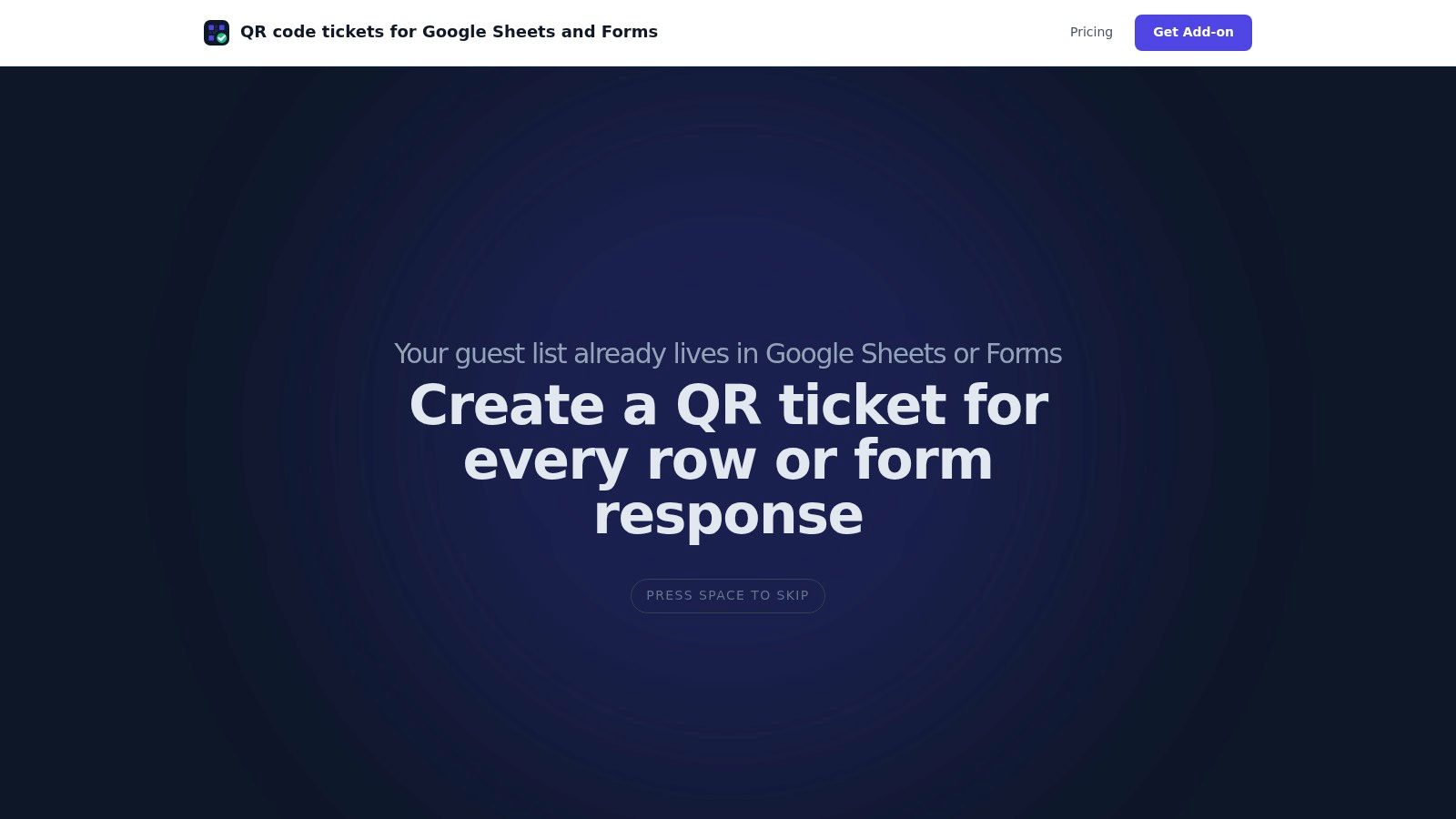
For many teams, the first useful upgrade is QR code tickets for Google Sheets. That gives each row a scannable identity without making the team rebuild the attendee database from scratch. The second upgrade is QR code attendance for Google Forms, which turns a familiar registration form into a cleaner intake system. The third is QR code ticket check-in for Sheets, so staff can validate entries while attendance flows back into the same sheet the team already uses.
A low-friction setup for Google Workspace teams
A workable migration usually looks like this:
- Step one: Clean the spreadsheet structure. One attendee per row. Consistent columns. No merged cells. No duplicate tabs pretending to be backups.
- Step two: Define the fields that matter onsite, such as ticket type, guest status, session access, or table assignment.
- Step three: Generate unique QR tickets from that data source.
- Step four: Train door staff on scanning rules, exception handling, and what to do offline.
- Step five: Review attendance in the same workspace after the event, instead of exporting and reconciling from multiple systems.
One option in this category is Darkaa, which uses Google Sheets and Forms add-ons to create tickets, manage QR code attendance for Google Forms, and run check-in from a web app that syncs back to Sheets, including offline use. That kind of setup appeals to spreadsheet-native teams because it changes the fragile parts of event ops without forcing a full software migration on day one.
A short product walkthrough is often the fastest way to see whether this model fits your team:
The key point is that you don't need to choose between “still using spreadsheets” and “buying an enterprise platform tomorrow.” There's a middle path. For many organizers, that middle path is what finally makes professional event operations feel manageable.
The Future of Your Events Is Seamless
Good event manager software doesn't replace event judgment. It removes the repetitive errors that keep your team from using that judgment well. Registration becomes cleaner. Check-in becomes faster. Attendance records become useful instead of debatable.
That shift changes more than operations. It changes the attendee experience. Guests move through entry with less friction. Staff answer fewer avoidable questions. Organizers leave with data they can act on, not just a memory of where the line got stuck.
It also gives you room to improve the parts attendees remember. Once the check-in table stops consuming all your attention, you can spend more time on agenda flow, signage, hospitality, and extras that make the event feel considered. If you're refining those details too, it can help to explore unique event giveaways that fit the audience and the tone of the event.
The practical takeaway is simple. Moving from a spreadsheet-and-clipboard workflow to a connected system isn't just a convenience upgrade. It's a decision to run tighter operations, reduce avoidable mistakes, and make the event easier for everyone involved.
If your team already lives in Google Workspace, Darkaa is a straightforward way to turn Sheets and Forms into a QR ticketing and check-in workflow without moving your data into a separate system. It's a practical starting point for teams that want better entry control and attendance tracking with less setup friction.