You've probably been to both versions of this event.
The bad one starts with a crowded check-in table, a generic name tag, and a room full of people scanning for someone useful to talk to. Conversations stay shallow. Hosts disappear into logistics. The event looks busy, but nobody can say what business result it produced.
The good one feels different within minutes. Check-in is fast. The room is arranged to make conversation easy. Attendees know why they're there, who they should meet, and what kind of opportunity the event is built to create. People leave with actual next steps, not just a pocket full of business cards.
That difference rarely comes from a bigger budget. It comes from planning business networking events as systems, not social gatherings. The strongest events are designed around relationship quality, follow-up, and measurable outcomes. That matters because networking has always been more valuable as a relationship engine than as a place for instant transactions.
Table of Contents
- Beyond Business Cards The Modern Networking Event
- Laying the Foundation Goals Audience and Budget
- Choosing Your Venue and Technology Stack
- Streamlining Promotion and Registration
- Mastering Onsite Event Execution
- Post-Event Follow-Up and Measuring True ROI
- Troubleshooting Common Pitfalls and Your Final Checklist
Beyond Business Cards The Modern Networking Event
At 8:05 a.m., the coffee is hot, the room looks full, and the first ten conversations have already started. In weak networking events, those conversations happen by accident. In strong ones, they happen because the organizer designed the room, the flow, and the follow-up to produce a specific business result.
The strongest business networking events are still built on relationships. People do business with context, trust, and remembered interactions, not with a stack of collected cards. That is why modern event design focuses less on turnout for its own sake and more on whether the right people met, whether they had a reason to keep talking, and whether those conversations turned into referrals, meetings, pipeline, or partnerships.
That changes how the event should be built.
The old approach relied on unstructured mingling and hoped useful connections would happen. A modern approach sets up interaction on purpose. A founders meetup needs a different room flow than a channel partner breakfast. A sponsor-heavy expo needs a different lead path than a member networking social. I usually start by asking one practical question: what should happen in the 48 hours after this event? If the answer is vague, the event format is still vague.
Low-cost tools earn their place in the workflow. Google Forms can qualify registrants before they arrive. Google Sheets can segment attendees by role, industry, or buying authority. Calendar invites, shared run-of-show docs, and check-in data can all live inside Google Workspace so the team is working from one source of truth. If you add Darkaa tools for registration, QR tickets, or attendee tracking, the event becomes easier to measure without adding enterprise software overhead.
That measurement piece gets ignored too often. Attendance is a signal, not the outcome. A room of 200 people can underperform a room of 40 if nobody relevant meets, sponsors get poor lead data, or follow-up dies because contact capture was sloppy. The better standard is simple: did the event create qualified conversations, and can you prove it?
Hybrid events make that discipline even more important. In-person guests can pick up on side conversations, body language, and timing. Remote attendees need structure or they drift into passive viewing. If you need ideas for that part, this guide on virtual event engagement is useful because it focuses on keeping remote attendees active instead of passive.
A common example proves the point. A broad after-hours mixer often produces high registration and weak outcomes. A smaller breakfast for commercial real estate brokers, lenders, and property attorneys usually produces fewer attendees but stronger introductions because everyone arrives with shared context and a clear reason to talk. The same principle applies on expo floors. If exhibitors need usable lead data, capture has to start with the first scan, not with a pile of business cards accumulated by day's end. This trade show expo lead capture QR code guide shows a practical way to structure that process before doors open.
Laying the Foundation Goals Audience and Budget
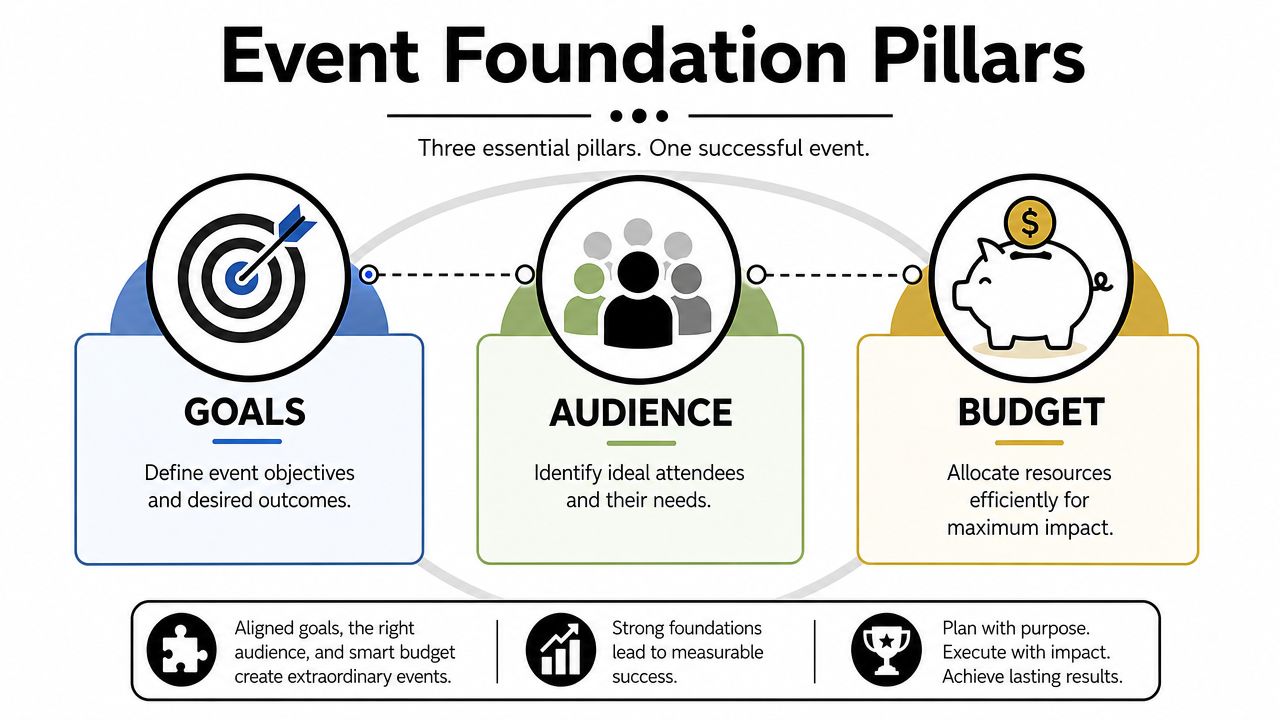
Doors open at 7:30. By 8:15, the room is full, coffee is gone, and people are talking. It still turns into a weak event if the right buyers never meet the right partners, sponsors leave with vague notes instead of qualified leads, and your team cannot show what the event produced a week later. Good planning starts much earlier, with three decisions that shape everything else: the outcome, the audience, and the budget.
Start with the outcome, not the agenda
The first planning mistake is writing the run of show before defining the business result.
“Host a networking event for local professionals” is too loose to guide real decisions. “Create qualified introductions between agency owners and in-house marketing leaders” is usable. So is “help sponsors meet potential channel partners” or “give new chamber members a structured path to form repeat connections.” Those goals tell you who belongs in the room, what format to use, and what data to collect.
Your event succeeds when people leave with trust, context, and a reason to continue the conversation. That standard is much harder than filling seats, which is why attendance should sit near the top of the dashboard, not at the bottom as the final verdict.
Set goals you can verify after the event. In practice, that usually means tracking a short list:
- Qualified introductions: which target attendees met, and whether both sides fit the original matching criteria
- Follow-up activity: calls booked, proposals sent, demo requests, or warm introductions requested within the next 7 to 14 days
- Sponsor outcomes: meetings delivered, lead quality, and whether sponsors met the audience profile they paid for
- Community health: return attendance, group participation, and whether first-timers stayed engaged after the event
I prefer to assign each goal an owner before registration opens. If nobody owns sponsor lead quality, post-event reporting becomes guesswork. If nobody owns attendee follow-up, the event may feel good in the room and still produce little revenue.
Low-cost tools help here if they are set up with discipline. Google Forms can handle registration, Google Sheets can become the live planning tracker, and Darkaa add-ons can help standardize check-in data, lead notes, and follow-up fields so the team captures the same information every time. The point is not adding more software. The point is protecting the data you will need to prove ROI later.
Build the room for the right people
Audience design determines whether conversations happen naturally or need to be forced.
“Small business owners” is not an audience. It is a category label. A founder looking for referral partners, a recruiter filling roles, a lender sourcing deals, and a consultant selling services do not arrive with the same expectations. Put all four in a room without a clear reason to connect and the event turns into random mingling.
A better approach is to define the room across three filters:
- Role: owner, buyer, recruiter, investor, operator, community lead
- Industry: SaaS, manufacturing, real estate, healthcare, nonprofit
- Intent: referrals, hiring, partnerships, learning, visibility
That mix tells you far more than job titles alone. For example, a breakfast for commercial real estate brokers, lenders, and property attorneys works because the roles are adjacent and the intent overlaps. A general “local business mixer” often pulls a wider crowd but produces weaker conversations because nobody knows who is worth meeting first.
A simple test works well. If the team cannot describe the top three attendee types in one sentence each, the invitation copy is still too fuzzy.
This is also where modern workflow choices save time and money. Build a registration form in Google Forms with a few required fields for role, industry, goals, and referral interests. Send responses to a shared Sheet. Use that data to segment invites, assign tables, brief sponsors, and prepare host introductions. If you need a connection check for the venue while budgeting for this workflow, the SwiftNet Wifi business internet guide is a practical reference for comparing business-grade internet options before you sign a contract.
Choose a format that matches the goal
Format is an operating choice. It changes how people meet and what outcomes are realistic.
Open mixers are easy to market. They can work for broad community visibility or a first-touch local event. They are weaker when the goal is precision, such as sponsor lead quality, investor-founder matching, or peer exchange among senior operators. In those cases, more structure usually produces better results.
| Format Type | Best For | Key Feature |
|---|---|---|
| Open mixer | Broad community exposure | Free movement and casual introductions |
| Roundtable | Peer discussion and trust-building | Small-group conversation around a focused topic |
| Hosted breakfast | Senior-level connections | Time efficiency and a more deliberate attendee mix |
| Workshop plus networking | Education-led lead generation | Shared learning before introductions begin |
| Referral circle | Partnerships and pipeline-building | Repeated, structured introductions |
| Industry meetup | Niche relationship building | Shared context among attendees |
The trade-off is straightforward. Open formats create energy and higher perceived scale. Structured formats reduce randomness and increase the odds of useful conversations. I choose based on the sponsor promise and the attendee promise, not on what looks busiest in photos.
Budget for outcomes, not optics
A strong networking budget protects operations first.
Start with the pieces that directly affect participation and measurable results: registration, check-in, room flow, sound, food that fits the schedule, staff coverage, and a follow-up process that captures who attended and what happened. Those line items influence experience and reporting at the same time.
Decor, swag, extra print pieces, and entertainment often absorb money without improving business outcomes. They are not always wasteful. They just rank lower than attendee flow and lead capture in a professional networking event.
I build budgets in four layers:
- Fixed essentials such as venue, furniture, staffing, and core tech
- Experience elements such as catering, signage, badges, and room layout
- Outcome supports such as scanning, attendance tracking, sponsor reporting, and follow-up workflows
- Optional extras after the first three layers are covered
If funds are tight, reduce scope before cutting the basics that make the event usable. Forty well-matched attendees in a room designed for conversation usually outperform a crowd of 120 with bad acoustics, slow check-in, and no clean way to track follow-up. That is the difference between hosting an event and producing a business asset.
Choosing Your Venue and Technology Stack
Venue and tech choices shape how the event feels long before the first conversation starts. The wrong room forces awkward movement. The wrong tools trap your staff behind a check-in desk.
Venue trade-offs that matter
Hotel meeting rooms are predictable. They usually handle parking, seating, power, restrooms, and staff support well. The downside is sameness. If you need a polished business setting and minimal operational surprises, they're often the safe choice.
Restaurants and private dining spaces can work for founder dinners, investor meetups, or small professional circles. They're weaker for events that need presentations, sponsor visibility, or a lot of movement between groups. Noise is usually the deciding factor.
Creative venues such as galleries, lofts, and studios give you atmosphere. They also bring more operational homework. You need to inspect acoustics, lighting, power access, load-in rules, signage placement, and internet stability before signing.
If your event has a hybrid component, test the room for camera placement and audio pickup. A beautiful venue can still fail if remote attendees can't hear the conversation.
For connectivity, don't rely on a verbal promise that “the Wi-Fi is fine.” Review bandwidth options, backup access, and venue limitations in advance. This SwiftNet Wifi business internet guide is a practical reference if you're comparing connectivity needs for event operations.
A lean event tech stack
Most business networking events don't need a bloated event platform. They need a clean workflow.
A practical low-cost stack usually includes:
- Registration capture: Google Forms or a similar form tool
- Master attendee list: Google Sheets
- Email and calendar communications: Gmail and Google Calendar
- Design assets: Canva, Google Slides, or your existing design tool
- Check-in and attendance validation: a QR-based scanning workflow
- Post-event tracking: Sheets, CRM, or a simple pipeline tracker
The advantage of this setup is familiarity. Your team already knows the tools, so training time stays low. It also keeps attendee data in a workspace your staff can directly update during the event.
When I audit event operations, I usually find the same issue. Teams buy software suites before they've fixed the process. Start with the workflow first. How will someone register, receive confirmation, arrive, get scanned, and enter the room? Once that path is clear, the right tool choice is usually obvious.
Use this checklist on venue visits:
- Arrival flow: Can attendees find the entrance quickly?
- Check-in footprint: Is there room for a line without blocking traffic?
- Conversation zones: Can people talk without shouting?
- Power access: Where will staff charge devices if needed?
- Signage positions: Are there natural sightlines for wayfinding?
- Connectivity backup: What happens if the house internet drops?
Streamlining Promotion and Registration
Promotion fails when the message is broad and the registration flow is clunky. People won't fight through a messy process just to attend a networking event.
A good system does two things at once. It attracts the right attendees and removes friction from signup to ticket delivery.
Promote for fit, not just volume
Most underperforming events are overpromoted to the wrong audience. The copy says “join us for networking” and nothing else. That doesn't tell a busy professional whether the room is worth their time.
Lead with specificity:
- Who it's for: “for HR leaders and recruiting partners”
- What they'll gain: “peer introductions and hiring conversations”
- Why this format works: “small-group tables, hosted prompts, and structured introductions”
- What to expect: time, venue type, dress, and follow-up opportunities
Use a channel mix with a clear job for each channel:
- Email invitations: best for direct response and known audiences
- LinkedIn posts and messages: best for role-based targeting and professional credibility
- Partner outreach: best when associations, sponsors, or communities can invite their own trusted members
- Speaker and host amplification: useful when attendees care about who else will be there
If you're comparing tools before building your signup flow, this roundup of event registration platforms is a useful starting point because it frames the trade-offs between simple forms and larger event systems.
Build registration inside tools your team already uses
For many teams, Google Workspace is enough to run registration cleanly without adding another dashboard.
The simplest workflow looks like this:
- Create a Google Form with only the fields you require. Name, email, company, role, and one qualifier are usually enough for an initial networking event.
- Send responses to Google Sheets so your attendee list updates automatically.
- Segment your list inside the sheet using filters or tabs for VIPs, sponsors, speakers, staff, and general attendees.
- Generate QR-based confirmations from the attendee data.
- Email tickets and instructions from the same operating environment your team already uses.
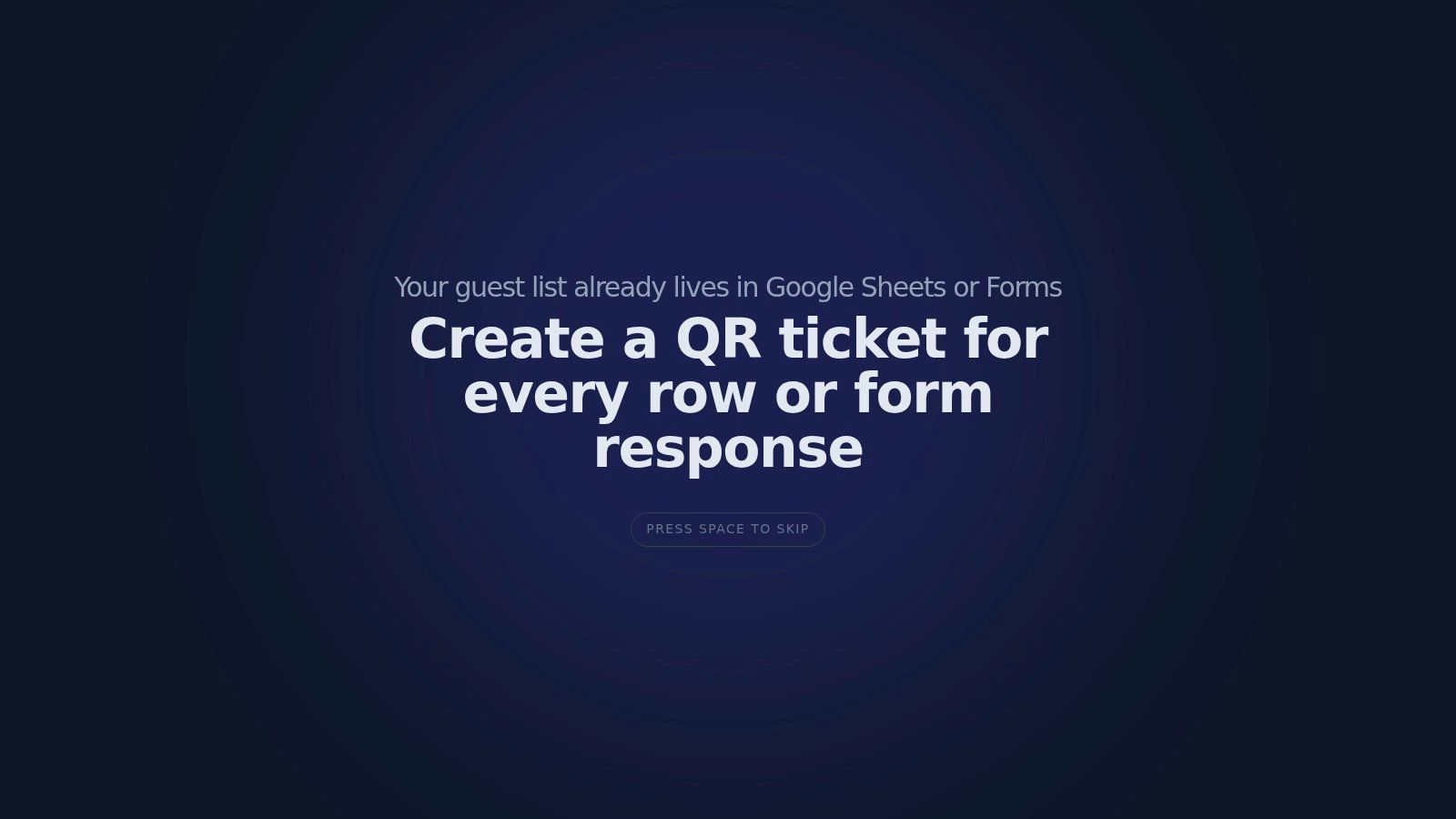
The utility of QR code attendance for Google Forms becomes apparent. Instead of copying registration data across disconnected systems, you keep responses tied to your working spreadsheet and use them for attendance, follow-up, and reporting later.
For teams that want to produce branded confirmations from the sheet itself, QR code tickets for Google Sheets can turn each row into a unique ticket with attendee details, event branding, and a scannable code. One option for that workflow is Darkaa, which uses Google Sheets and Google Forms add-ons to generate tickets, distribute them, and support check-in from the same data source.
If you need a practical walkthrough for collecting signups online before ticketing begins, this guide to online event registration is a strong reference.
Send clear confirmations and usable tickets
A confirmation email should answer operational questions before attendees ask them.
Include:
- Event basics: date, time, address, room name
- Arrival guidance: parking, public transit, entry instructions
- What to bring: digital ticket, ID if needed, business cards only if relevant
- What to expect: format, agenda style, or networking structure
- Contact point: one support email for issues
Keep the ticket easy to retrieve on a phone. Avoid giant attachments and confusing branding. If the event has multiple access levels, sessions, or zones, label them clearly on the ticket so your staff doesn't have to interpret them at the door.
Here's a quick visual example of a QR ticket workflow in action:
The strongest registration systems don't just collect names. They create operational clarity. That clarity carries directly into check-in and follow-up.
Mastering Onsite Event Execution
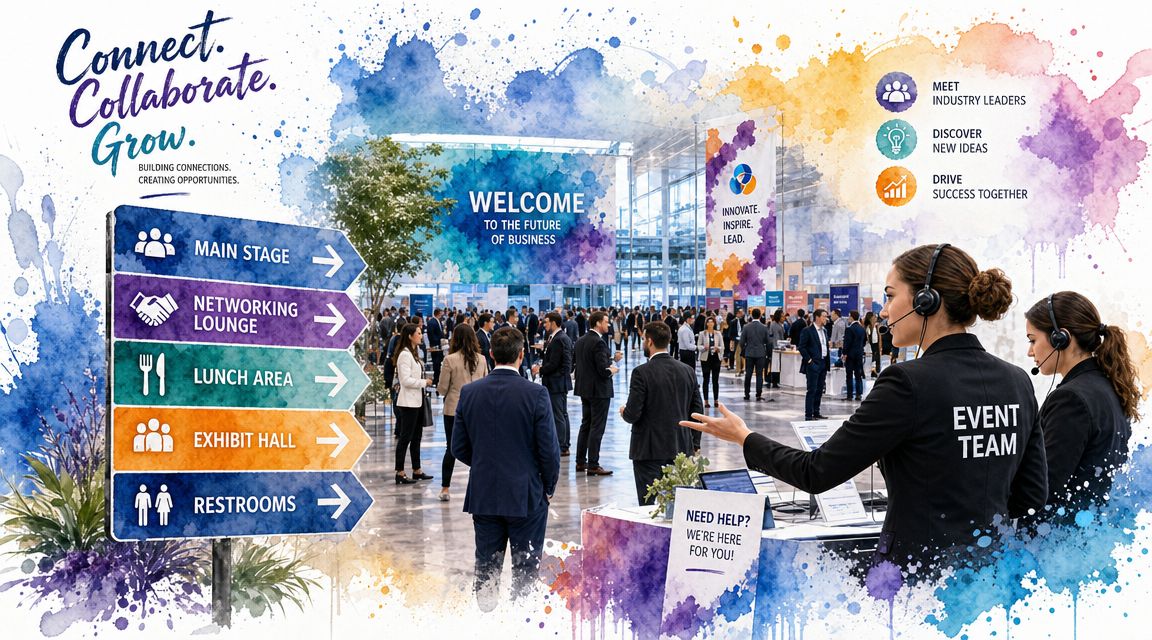
Event day exposes every weak assumption. If instructions were vague, guests arrive confused. If the room layout is wrong, networking stalls. If check-in is slow, the first impression is already damaged.
The best-run business networking events feel calm because the team has already decided how the room will function.
Run a tight pre-opening briefing
Gather staff before doors open and walk the room physically. Don't brief from a corner table while people half-listen.
Cover five things:
- Guest flow: where attendees enter, line up, get scanned, and move next
- Role assignments: who greets, who scans, who solves exceptions, who supports sponsors or speakers
- Problem handling: duplicates, no-ticket arrivals, guest list changes, VIP arrivals
- Room cues: when to open doors, start remarks, refresh tables, and transition people
- Communication: one group chat or one point person for live issues
A short briefing prevents the classic event problem where every staff member solves the same issue differently.
Make check-in feel effortless
Check-in sets the emotional tone. If guests wait in a long line while staff search spreadsheets manually, the room starts frustrated. If guests get scanned in quickly and welcomed by name, they enter ready to engage.
A practical setup for QR code ticket check-in for Sheets is straightforward:
- Staff open the scanner on their own phones.
- Each ticket is scanned at entry.
- The scan validates against the attendee list stored in Google Sheets.
- Attendance status updates in real time for the team.
That workflow matters because it removes paper lists, reduces look-up delays, and gives organizers a live picture of who has arrived. It also makes exception handling easier. One staff member can manage walk-ins or corrections while the rest of the team keeps the line moving.
Don't put your most personable staff member behind a laptop fixing list issues all night. Put them in front of guests. Use the system to handle validation so your people can handle hospitality.
Use a separate lane for special cases if you expect them. Speakers, sponsors, and unresolved registrations shouldn't block general entry.
Keep the room active after arrivals
Once check-in is smooth, the host's next job is circulation.
Rooms go flat when everyone stands with people they already know. Good hosts interrupt that pattern gently. They make introductions with context, not just names. “You both work on manufacturing supply chains” is far more useful than “You should meet.”
A few on-the-ground techniques work well:
- Use anchors: place confident connectors at key spots in the room
- Seed topics: table cards or host prompts help people start useful conversations
- Break clumps early: if one group becomes closed off, redirect attention by introducing new attendees into it
- Read energy: if the room is stiff, switch from passive networking to a brief facilitated prompt
Hosted moments help more than many planners admit. A two-minute welcome that tells people who's in the room and what kind of conversations to have can change the quality of the whole event.
Post-Event Follow-Up and Measuring True ROI
The event isn't finished when the room clears. That's the point where business value either compounds or disappears.
A lot of organizers stop at attendance totals and a few photos. That leaves the most important question unanswered. Did the event produce useful outcomes?
Follow up while the event is still fresh
Send the first follow-up quickly. The goal isn't to sell immediately. The goal is to preserve momentum while people still remember who they met.
A practical sequence looks like this:
- Same day or next morning: thank-you email, key contacts, next-step reminder
- Shortly after: shared photos, slides, resource links, or sponsor mentions if relevant
- Later follow-up: invitation to continue the conversation through a future event, roundtable, or direct introduction
Keep it specific. If the event was built around referrals, ask attendees who they'd like to meet next. If it was built around hiring, invite open roles or candidate conversations. If it was sponsor-driven, report back on the type of audience and engagement delivered.
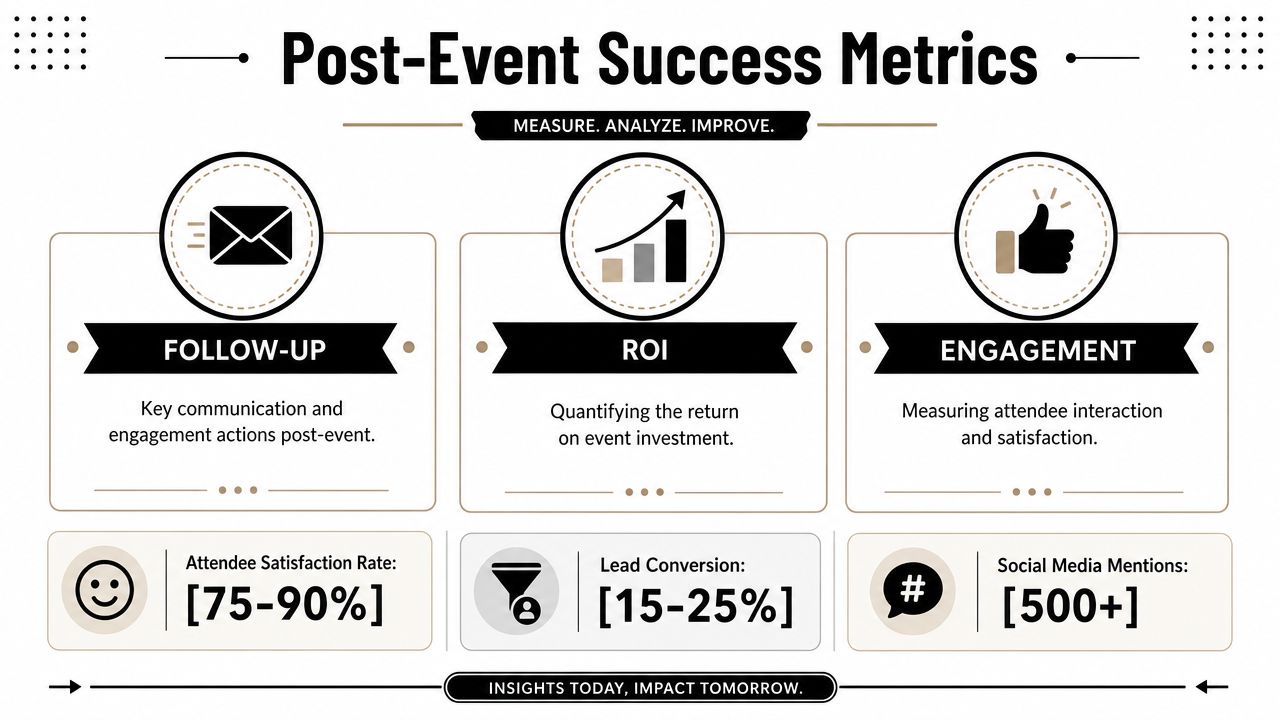
Measure business value, not headcount
At this point, many teams get too soft. They describe the event as “well attended” or “great energy” and leave it there.
That's not enough. One reason to take networking seriously as a business channel is that the impact can be substantial. A source summarizing networking research notes that firms that consistently network attribute 24% of annual sales turnover to these activities, and 61% of marketers say events are their most effective channel for achieving business goals, according to this networking statistics summary.
That doesn't mean every event deserves credit for revenue. It means you should measure events like a business system, not a hospitality exercise.
Track outcomes such as:
- Qualified leads generated
- Meetings booked after the event
- Partnership conversations started
- Sponsor introductions completed
- Sales opportunities influenced
- Repeat attendance from target segments
For attendance analysis, use the actual scan data rather than registrations alone. This guide to attendance statistics for events is helpful when you want to build a cleaner reporting approach around who registered, who attended, and what happened after.
The most useful ROI conversation usually starts with one question: what happened after people met?
A simple ROI model works well in practice. Total event cost on one side. On the other side, assign value only to outcomes you can reasonably connect to the event, such as qualified pipeline, sponsor retention, or new member conversion. If a result is too early to value precisely, record it qualitatively and revisit it later.
Troubleshooting Common Pitfalls and Your Final Checklist
Even experienced teams hit friction. The difference is that strong operators expect it and prepare responses before it happens.
One mistake shows up again and again in business networking events. Teams chase attendance volume and ignore lead quality. That's backwards. As noted in this career-focused guide to choosing networking events by objective, high-value networking is objective-driven, and smaller, purpose-built events often outperform large mixers for goals like referrals or partnerships.
Fix common event problems fast
If turnout is lower than expected, don't try to hide it. Tighten the room. Close off unused space, pull people toward focal points, and increase hosted introductions. A half-full room can still feel valuable if the conversations are strong.
If the room feels awkward, the format is usually too passive. Add structure immediately. Introduce a quick prompt, announce attendee categories, or ask hosts to make targeted introductions.
If check-in backs up, stop treating every guest equally in one line. Split the flow:
- Confirmed ticket holders: scan and enter
- Exceptions: move to a side table
- VIPs or speakers: separate arrival path
If sponsors feel underexposed, don't wait for the recap. Give them specific moments during the event. Introductions, table placement, hosted mentions, or curated meetings work better than passive logo placement.
If conversations are shallow, your prompts are weak. Replace “so what do you do?” with better openers such as:
- What kind of partner are you hoping to meet tonight?
- What challenge are you working through this quarter?
- Who would be a useful introduction for you?
Your final event checklist
Use this before every event, even if your team has run the format before.
- Goal locked: You can state the business purpose in one sentence.
- Audience defined: You know exactly who belongs in the room and why.
- Format matched to objective: Mixer, roundtable, breakfast, workshop, or referral circle chosen on purpose.
- Venue tested: Flow, acoustics, signage positions, and internet checked in person.
- Registration simplified: Form fields trimmed to what you need.
- Tickets delivered clearly: Attendees know when, where, and how to arrive.
- Check-in rehearsed: Staff know scanning, exception handling, and guest flow.
- Host prompts prepared: Your team has useful ways to start and deepen conversations.
- Follow-up drafted in advance: Thank-you emails and next-step messaging are ready before doors open.
- ROI plan defined: You know what outcomes you'll track after the event.
A business networking event works when every stage supports the next one. The invitation attracts the right people. Registration captures usable data. Check-in runs cleanly. The room encourages valuable conversations. Follow-up turns introductions into business outcomes.
If you want to run that workflow inside Google Workspace instead of learning another event platform, Darkaa lets teams create QR code tickets for Google Sheets, collect signups through Google Forms, and handle QR code ticket check-in with live attendance updates from the same operating system they already use.