
Stop Juggling Spreadsheets: Find Your Perfect Event RSVP Site
You've planned the venue, locked in the speakers, and sorted the run sheet. Then the RSVP mess starts. Names come in from a form, dietary notes arrive by email, VIP changes land in a group chat, and someone still has to check people in at the door without creating a queue.
That's the point where many event teams realize the problem isn't getting responses. It's managing the full workflow after the response. Good RSVP sites for events don't just collect yes or no. They help you move from invitation to confirmation, check-in, access control, and post-event follow-up without rebuilding the attendee list three times.
This guide gets to the shortlist fast. It compares tools that work for very different jobs, from a simple party to a branded fundraiser, a school function, or a multi-session conference. Some are best when design matters. Some are best when discoverability matters. One is best when your attendee list already lives in Google Sheets and you need QR check-in without moving into another dashboard.
If event-day operations are part of your brief, don't leave security planning until the last minute either. For on-site support, crowd flow, and entry control, ABCO Security Services Australia is worth a look.
Table of Contents
- 1. Darkaa
- 2. RSVPify
- 3. Eventbrite
- 4. EventCreate
- 5. Splash
- 6. Paperless Post
- 7. Evite
- 8. Eventzilla
- 9. Partiful
- 10. Luma (lu.ma)
- Top 10 RSVP Sites Comparison
- Your Perfect Event Starts with the Right RSVP Tool
1. Darkaa
You send invites on Monday, collect responses by Friday, and by event week the real work starts. Someone needs a final attendee list, someone needs tickets sent, and someone at the door needs a fast way to confirm who can enter. Darkaa fits that part of the workflow well because it starts with the spreadsheet many teams already use.
Darkaa turns Google Sheets and Google Forms into a working ticketing and check-in setup. You can create or import attendees, generate one QR ticket per row or form response, and send passes by email, WhatsApp, PDF, or mobile wallet. Staff can then scan from a phone or desktop browser, with attendance status updating back in the sheet.
That setup solves a common operations problem. Registration data often starts in one tool, ticket delivery happens in another, and check-in lives in a third. Darkaa keeps those steps closer together, which cuts down on list cleanup and manual exports.
Why Darkaa stands out
Darkaa is a practical choice for teams that treat the attendee sheet as the source of truth. That includes school admins, nonprofit coordinators, in-house event teams, and conference organizers who already manage guests in Google Workspace. If the list is already in Sheets, you can move from invitation to ticket assignment to door scanning without rebuilding the event in a separate platform.
It also covers more of the event workflow than many RSVP tools aimed at casual invites. You can manage multiple sessions, zones, badges, and family or group tickets from the same record. That matters for events with workshops, VIP access, timed entry, or multi-day schedules where a yes/no RSVP is only the first step.
For teams comparing process options, this guide to online event registration workflows is useful because it frames registration as an operations system, not just a form.
One practical rule applies here. If your door team needs a live attendance view and reliable scan records, choose a tool built for check-in, not just confirmations.
Best fit and trade-offs
Darkaa works especially well for internal events, graduations, training days, school programs, nonprofit fundraisers, and conferences run from spreadsheets. It is less suited to public events that depend on marketplace discovery or built-in audience reach.
The trade-offs are straightforward:
- Best for spreadsheet-first teams: Strong fit if attendee data already lives in Google Sheets or Forms.
- More operations-focused than marketing-focused: Good for ticket delivery and entry control. Less focused on public event promotion and discovery.
- Paid usage scales with attendance: Smaller events are easy to model. Larger free events should estimate volume before launch.
If your process already runs through Google Workspace, Darkaa can save time in the handoff between RSVP collection and day-of entry. That is where many event setups break down.
2. RSVPify
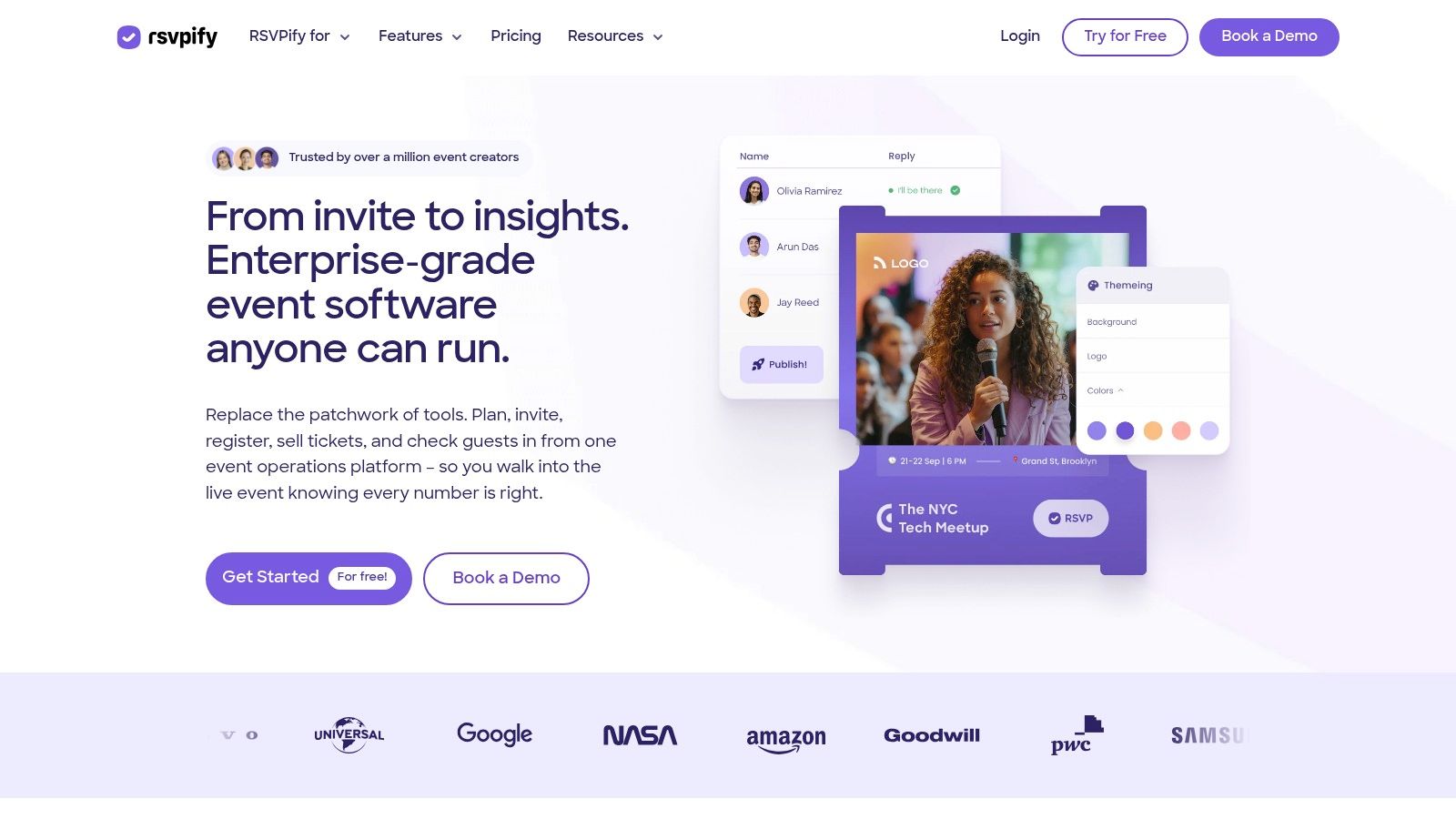
RSVPify sits in the middle ground between simple invitation tools and enterprise event platforms. It's a strong choice when you need clean registration pages, serious guest-list controls, and better privacy than casual social RSVP tools usually offer.
What makes it useful in practice is the way it handles invite-only logic. You can manage guest tags, conditional questions, plus-one allowances, and access restrictions without building a complicated workaround. That makes it a good fit for corporate dinners, nonprofit events, and stakeholder programs where not everyone gets the same registration path.
Where RSVPify fits
RSVPify also has built-in check-in tooling, including QR-based workflows, kiosk mode, and badge support. That gives it more operational depth than tools that stop at confirmation emails. If you're comparing workflow options, this guide to online event registration is a useful companion because it frames the registration process as operations, not just form design.
Its limitations are mostly commercial, not functional. Full white-label presentation and some branding controls sit higher up the pricing ladder. Large programs also need to watch plan limits, because registration caps can push you into an upgrade faster than expected.
RSVPify is the kind of platform you choose when guest rules matter as much as the guest count.
The platform is especially good when you need polished registration plus tighter control over who can respond, who can bring guests, and how data flows into a CRM.
3. Eventbrite
A small paid workshop often starts as a simple RSVP page. Two weeks later, you need promo codes, ticket types, reminder emails, and a check-in line that moves fast. Eventbrite earns its place because it can cover that whole shift without forcing a platform change.
That matters in real workflows. You can launch quickly, test demand, collect registrations, and turn on paid tickets if the event grows or the format changes. For organizers running public classes, community events, networking nights, or small conferences, that flexibility is hard to dismiss.
When Eventbrite is the practical choice
Eventbrite works best when registration is tied to promotion, not just guest collection. Its marketplace visibility, familiar checkout flow, and built-in event discovery can help fill seats, especially for public events where attendees are not already on your list. In practice, that means less friction at the invitation stage and a clearer path from event page to confirmed attendee.
It also fits the rest of the event process reasonably well. You can manage ticket tiers, collect attendee details, send updates, and handle on-site check-in from the same system. That is useful for teams that do not want to juggle one tool for registration, another for ticketing, and a third for entry management. If your team still tracks attendance and revenue in spreadsheets, Eventbrite is also easier to work around than some closed event platforms because exports are straightforward.
The trade-off is cost and control. Fees add up on paid events, and public listings can attract low-intent signups if the event page is too open. For invite-only programs, executive dinners, or segmented guest lists with approval rules, Eventbrite usually feels looser than it should.
- Choose Eventbrite for public-facing growth: Workshops, paid seminars, community events, and conferences that need both registration and ticket sales.
- Choose something else for tighter list management: Private events, controlled-access programs, and RSVP flows built around named guest lists often run better on more restrictive platforms.
If you need a closer look at where those trade-offs show up, this comparison of Eventbrite alternatives for different event types is a useful next read.
4. EventCreate
EventCreate is for teams that want a good-looking event site fast. It doesn't try to be the most operationally deep tool on this list. Its strength is speed, clean templates, and enough registration functionality to get a branded RSVP page live without dragging a designer into every decision.
That makes it a solid option for launches, company events, local fundraisers, and polished one-off programs where the event site itself needs to look credible from the first click. The drag-and-drop builder is the main selling point, not some hidden workflow advantage.
Why teams pick EventCreate
The platform is a practical fit when your priority is presentation plus straightforward registration. Custom domains, stronger design control on higher plans, SMS support, and an attendee app give it enough range for many small and mid-sized events.
Its limits show up when your event gets more operationally complex. The free Starter plan collects up to 50 registrations, which is fine for testing but restrictive for broader launches. Some of the more advanced controls are also reserved for higher tiers.
Good-looking RSVP pages are useful. They don't solve check-in bottlenecks on their own.
That's the lens I'd use here. EventCreate is a strong front-end tool. If your event is mostly about polished registration and attendee communication, it does the job well. If your event-day team needs session permissions, offline validation, or deeper attendance controls, you may end up pairing it with something else.
5. Splash
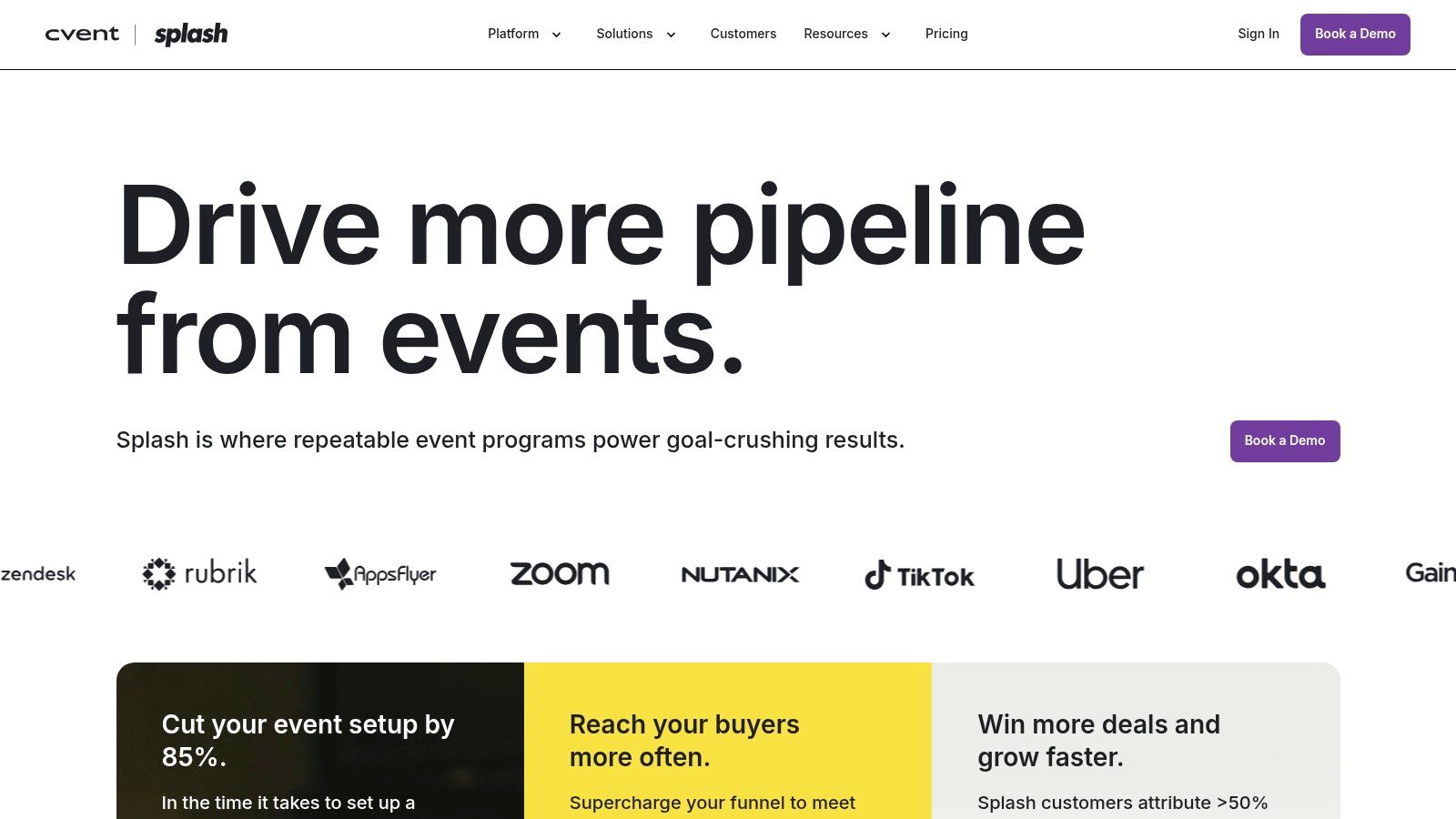
Splash fits teams that run a repeatable event engine, not a single RSVP page.
I recommend it most often for B2B marketing teams handling executive dinners, partner events, customer roadshows, webinars, and regional programs that all need to follow the same brand and reporting standards. In that setup, the main value is process control. One team can launch approved templates, keep registration pages consistent, pass attendee data into sales and marketing systems, and give field teams a cleaner handoff on event day.
Where Splash earns its keep
Splash works well when the workflow matters as much as the invitation. You can build the page, collect registrations, sync attendee data into tools like Salesforce, Marketo, or HubSpot, and use its check-in app on site without stitching together a stack of lighter tools. That matters for organizations tracking pipeline influence or campaign follow-up, not just headcount.
It is also a better fit for teams that need governance. Brand teams get tighter control over event pages. Marketing ops gets cleaner reporting. Field marketers get a faster way to launch events without rebuilding the same setup every time.
The trade-off is clear. Splash can feel heavy for a birthday party, school function, or one-off internal gathering. Quote-based pricing also means you need enough event volume to justify the sales process and implementation time.
One practical note. If your team already manages invite lists and ticket logic in spreadsheets, Splash is less spreadsheet-native than simpler tools built around lightweight exports and manual list handling. It can still support that workflow, but its strength is the connected system around the event, from registration through check-in and post-event reporting.
6. Paperless Post
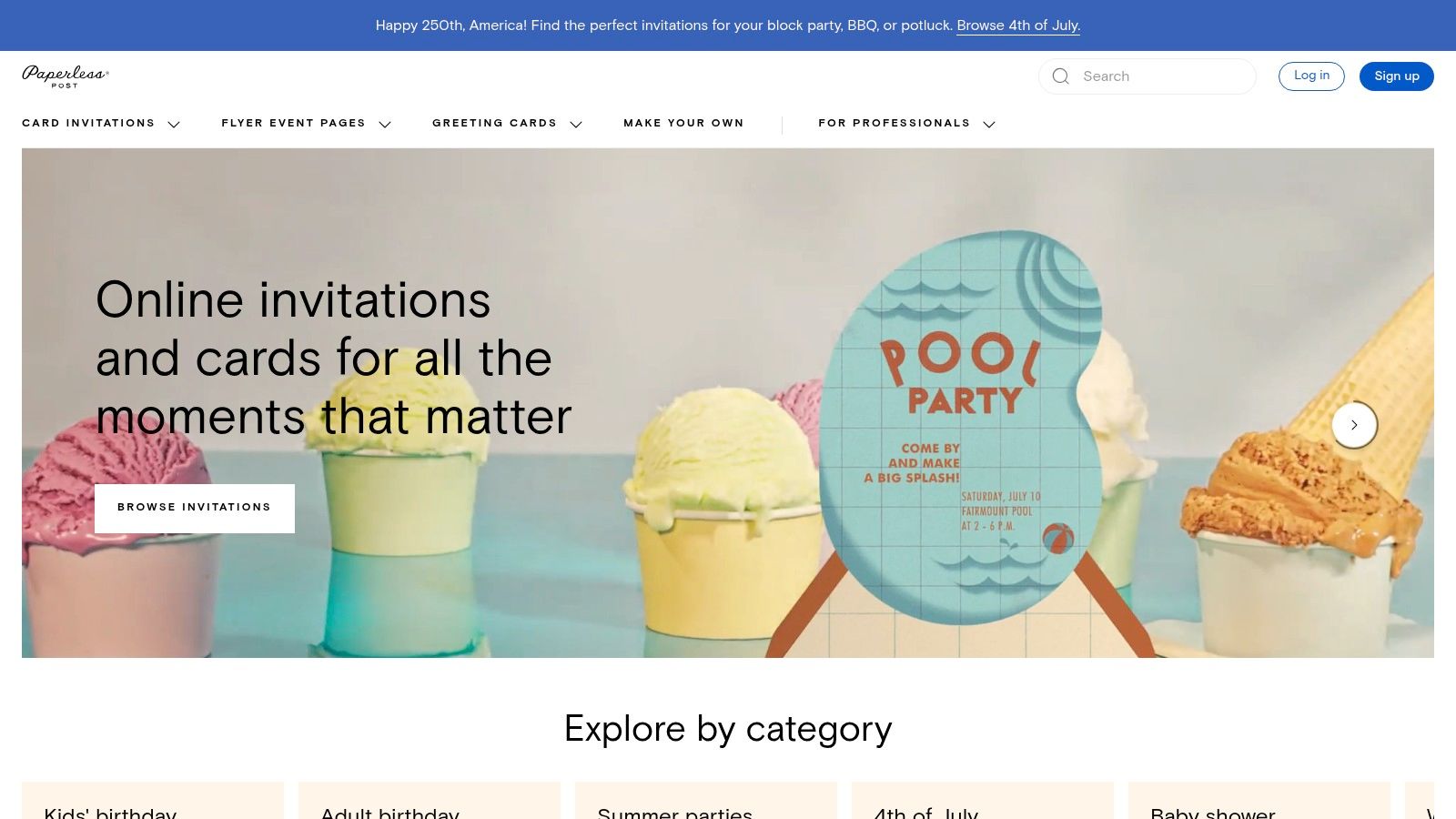
A guest list can forgive a basic registration flow. It rarely forgives an invitation that feels off for the occasion. Paperless Post is the tool I reach for when presentation is part of the event plan, not an afterthought.
It fits events where the invite sets expectations before anyone arrives. Donor dinners, client receptions, galas, holiday parties, and polished private events all benefit from that strength. The designs look intentional, and that matters when the first touchpoint needs to carry brand or social tone.
From a workflow standpoint, Paperless Post is strongest at the front of the process. It helps teams send a polished invitation, collect RSVPs, track responses, and keep guest communication tidy. If your event runs on a curated guest list and simple attendance decisions, that may be enough.
The limit shows up later in the workflow. Teams running complex check-in, layered access rules, session-level attendance, or detailed ticket handling usually outgrow it. If your registration logic already lives in a spreadsheet, Paperless Post can still fit as the invitation layer, but you may end up managing ticket tiers, seating notes, or VIP flags outside the platform and reconciling them before check-in.
Best use cases for Paperless Post
Paperless Post Pro is usually the better choice for organizations with recurring events. It is easier to budget than the coin-based à la carte model, and it reduces the small purchasing decisions that slow down teams trying to send invitations quickly.
Use it for:
- Design-led invitations: Galas, brand receptions, donor events, formal dinners, and launch parties
- Guest-list-driven workflows: Events where RSVP status matters more than multi-step registration logic
- Teams that already manage operations elsewhere: Especially if final seating, ticketing, or check-in is handled in spreadsheets or another event tool
Less ideal for:
- Complex access control: Conferences, multi-track programs, and events with several attendee types
- Heavy event-day operations: Situations where staff need stronger validation, faster on-site check-in, or tighter attendee status control
7. Evite
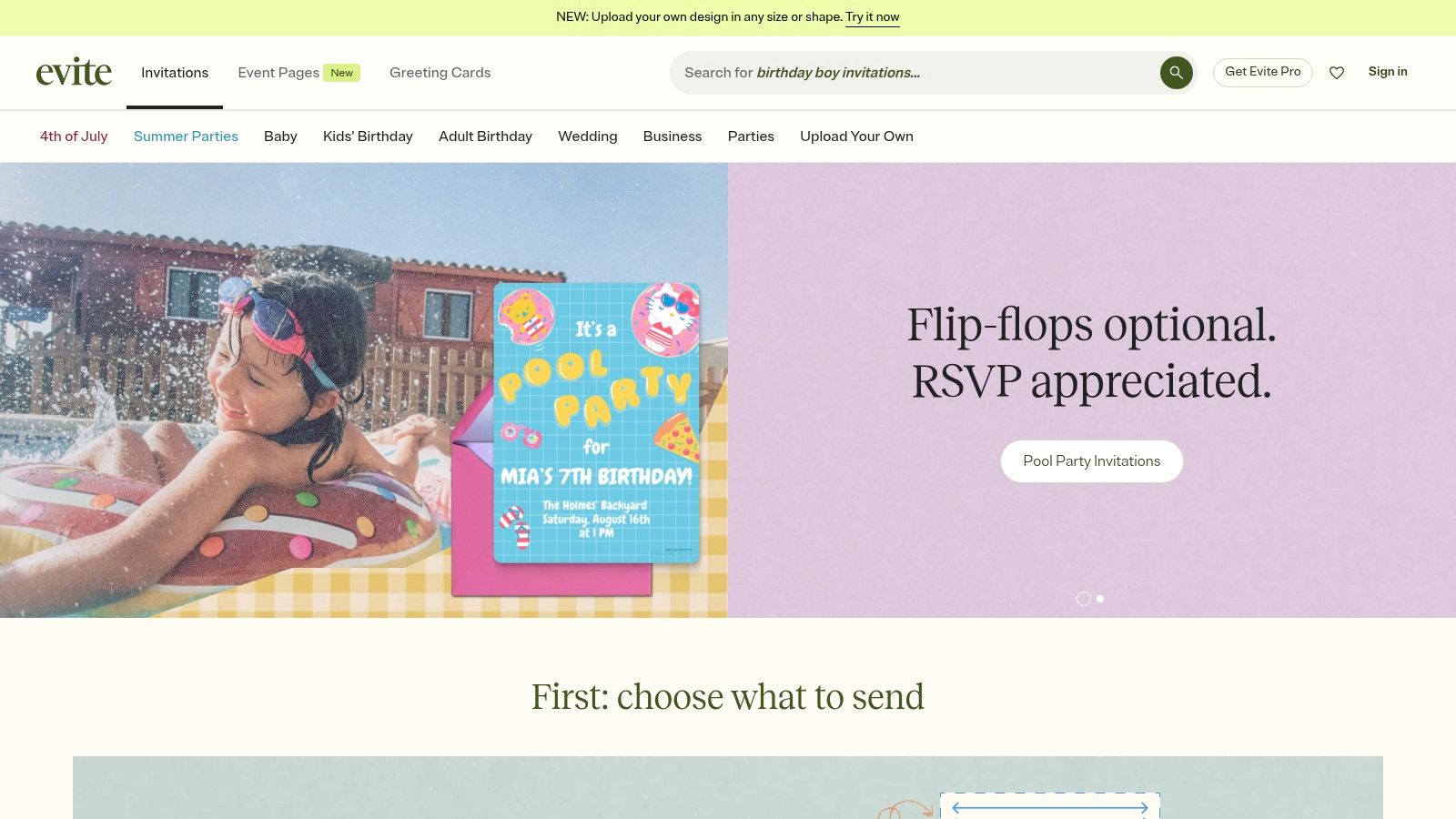
Evite has been around long enough that many guests already know how it works. That's still a legitimate advantage. For schools, PTAs, clubs, neighborhood groups, and recurring community events, familiar beats advanced more often than software vendors like to admit.
The platform is easy to use, supports invitations by email, text, or share link, and keeps reminders simple. Evite Pro is especially practical for organizations that run lots of recurring events and want predictable annual pricing instead of paying per event.
When Evite still makes sense
Evite is best when you need broad accessibility, fast setup, and minimal training. It's not trying to be enterprise event infrastructure. It's trying to make invitations and tracking easy for real people who don't want to spend an afternoon configuring workflows.
That consumer-first feel is also the trade-off. Some templates and experiences feel more social than corporate, and it's not the tool I'd choose for a compliance-heavy conference or a layered access-control environment.
If your volunteers can learn the platform in minutes, that matters more than a long feature list.
For school functions, casual fundraisers, and community gatherings, Evite remains one of the easier tools to deploy without friction.
8. Eventzilla
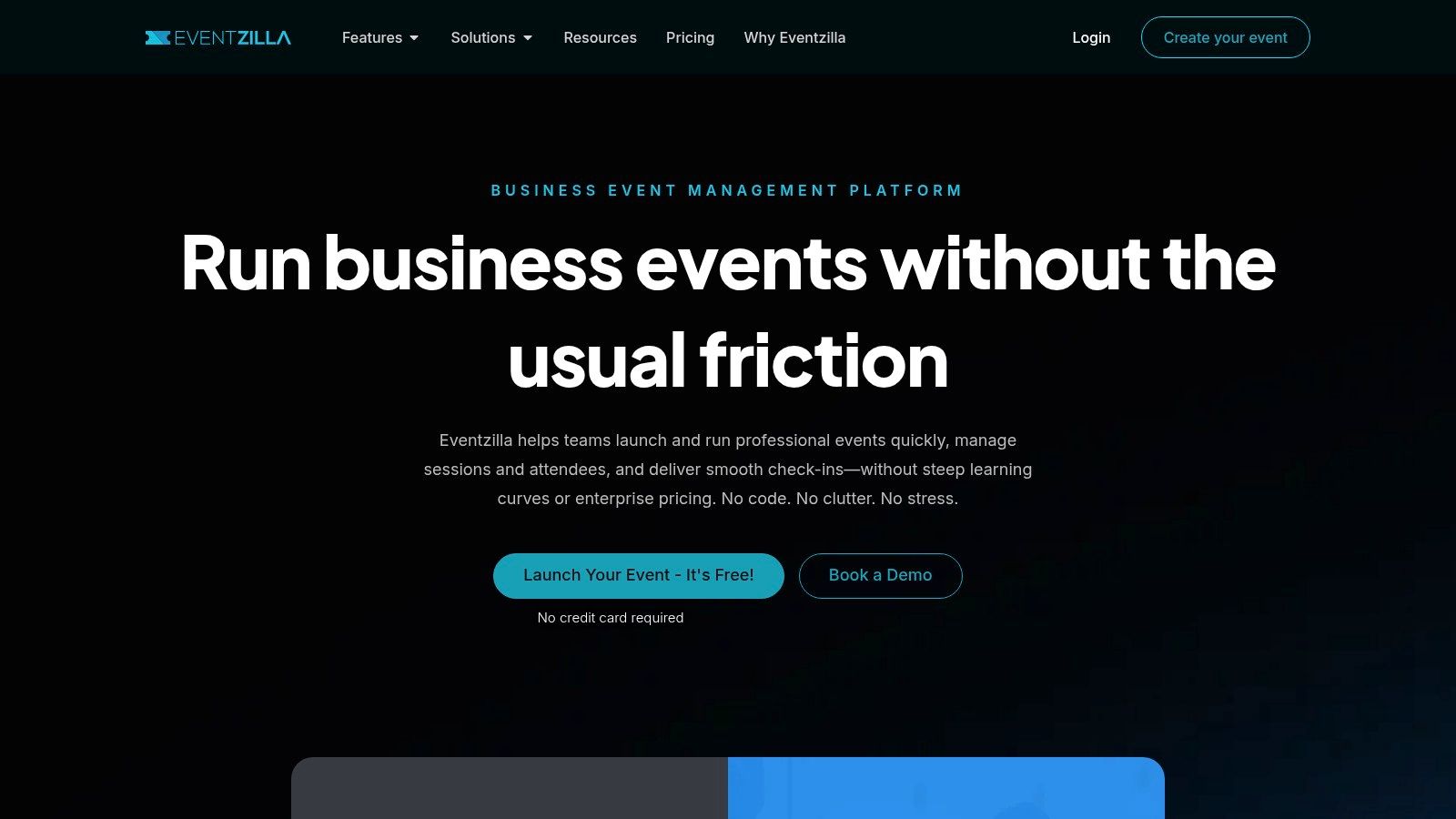
Eventzilla fits the part of the workflow where an event stops being "just an invite" and starts needing real registration control. If you are collecting paid tickets, managing discount codes, confirming attendance, and checking people in on site, it covers that full path without forcing you into enterprise software.
I usually put Eventzilla in the practical middle tier. It is a good fit for trainings, nonprofit programs, association events, university sessions, and small to midsize conferences that need more structure than a simple RSVP page but do not need a full conference tech stack.
Where Eventzilla fits in the process
Its value is operational. You can publish registration pages, offer free or paid ticket types, cap attendance, run waitlists, and scan attendees at the door from the same platform. That matters because handoffs create mistakes. When invitations live in one tool, ticketing in another, and check-in in a third, teams end up reconciling exports instead of running the event.
That workflow view is where Eventzilla earns its place on this list.
It also works well for teams that still manage planning in spreadsheets. Registration data can be exported cleanly, then matched against session plans, staffing sheets, catering counts, or badge lists without much cleanup. If your internal process already lives in Excel or Google Sheets, that is a real advantage. You do not have to rebuild your operation around the software.
The trade-off is presentation. Eventzilla is more functional than polished, and some features sit behind add-ons. If brand experience is the priority, other tools feel sharper. If the job is getting registrations processed correctly and check-in handled without drama, Eventzilla holds up well.
If you are weighing similar tools for paid registration and check-in, this Eventzilla alternative comparison for event ticketing workflows is a useful side-by-side read.
9. Partiful
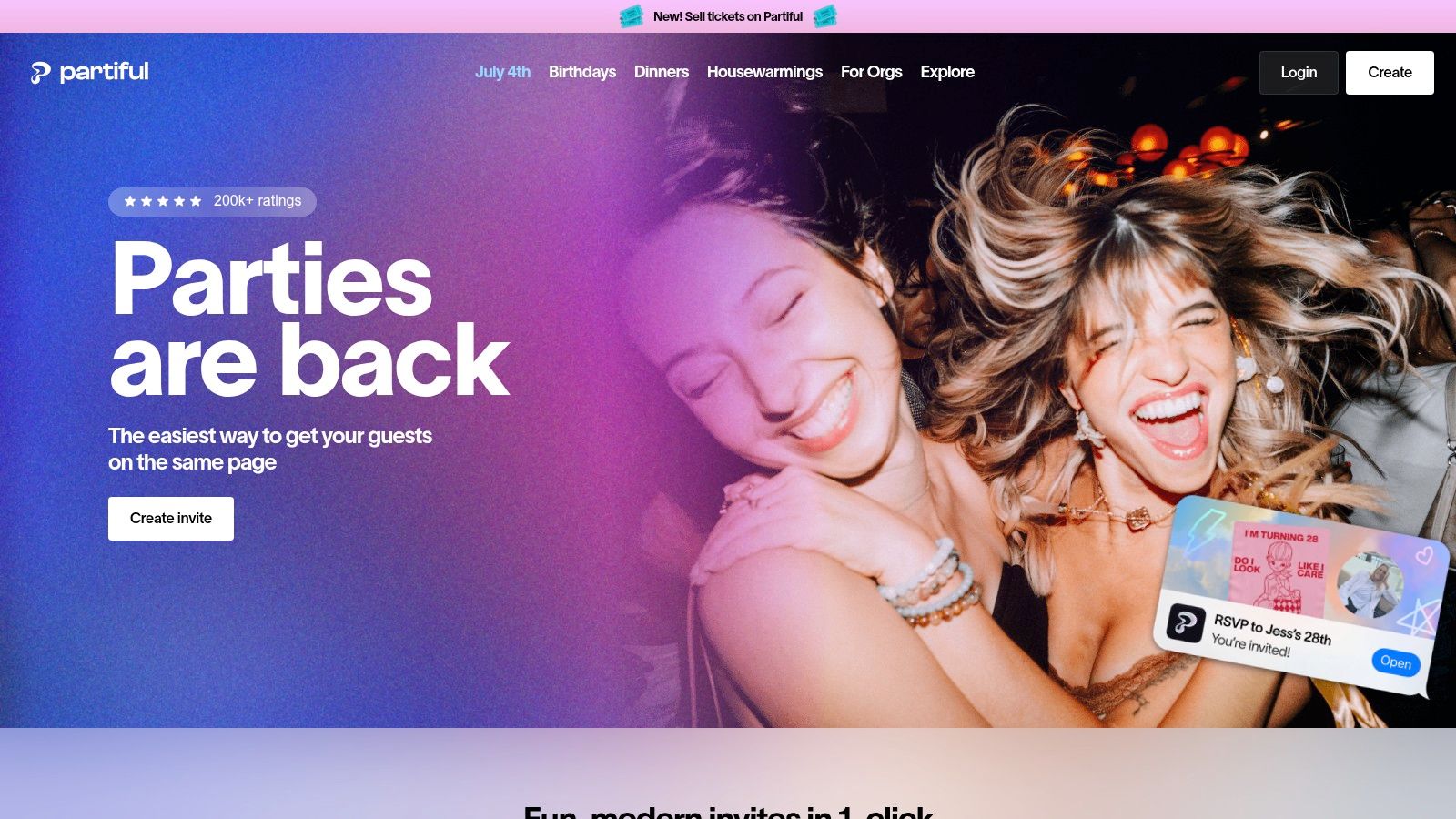
Partiful is one of the fastest tools here for getting an event live. That's its appeal. You can launch a clean RSVP page quickly, share it easily, and manage guest messaging without pushing people into an app download or a clunky flow.
For social events, pop-ups, workshops, and grassroots community gatherings, that speed matters. It also works well for small businesses running invite-driven events where the guest experience should feel modern but not formal.
Where Partiful works best
Partiful is mobile-first and guest-friendly. That makes it a good option when your audience is responding from text messages and shared links more than from long email sequences. Plus-one control, dietary fields, and built-in messaging cover the basics well.
What it doesn't try to do is become an enterprise operations hub. Reporting is lighter, controls are lighter, and marketplace discovery isn't the focus. That's fine if your event is driven by invitation and community sharing rather than by complex back-office workflow.
- Strong choice for: Pop-ups, birthday-scale events, creator meetups, local classes, and invite-led workshops.
- Weaker choice for: Corporate events with layered permissions, formal compliance needs, or deeper CRM requirements.
10. Luma (lu.ma)
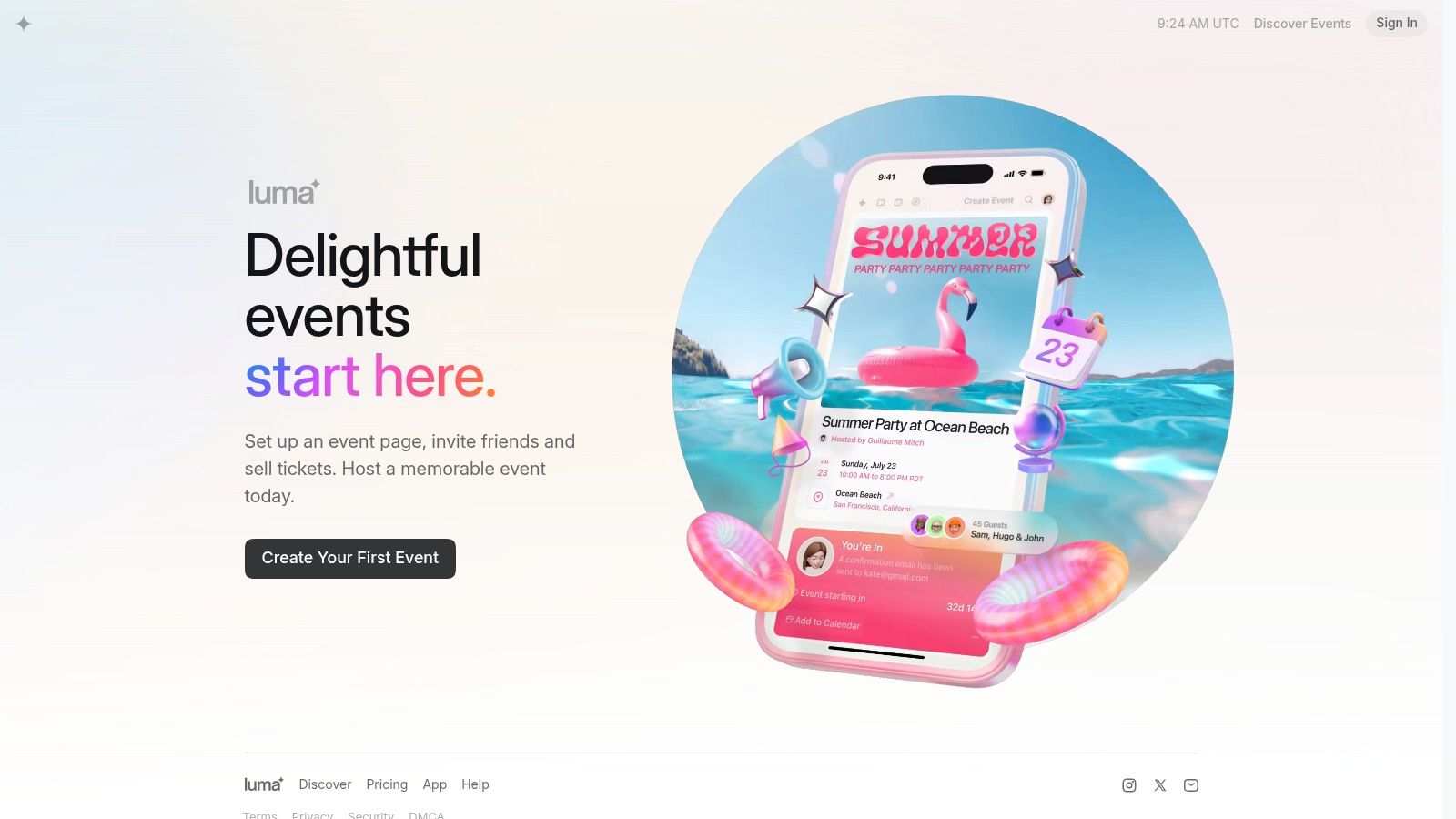
A good fit for Luma starts with a familiar setup. You are not running a one-night gala or a tightly controlled corporate summit. You are hosting a recurring founder meetup, workshop series, member event, or small business class, and the bigger job is keeping that audience warm between events.
Luma handles that workflow well. You can publish an RSVP page fast, collect responses, manage waitlists, send reminders, and keep building the same contact base for the next event. For organizers who run repeat programs, that continuity saves time and cuts down on tool switching.
Where Luma fits in your workflow
Luma works best when RSVP collection is only one step in a repeatable event cycle. Invite people in, fill the event, follow up afterward, then use the same audience for the next session. Its tagging, newsletters, and recurring-event feel are useful in that kind of process.
That makes it stronger for community-led events than for formal event operations. If your day-of process depends on deep approval chains, strict compliance controls, seating logic, or complex registration paths, other platforms are better suited. If your process lives closer to outreach, reminders, attendance tracking, and repeat engagement, Luma is a practical choice.
There is a clear trade-off. Luma is lighter on back-office control than tools built for enterprise teams. It also is not the spreadsheet-native ticketing option some operators want when guest lists, status changes, and check-in all need to stay inside an existing sheet. But for creator communities and recurring events, the simpler system is often the right one.
Top 10 RSVP Sites Comparison
| Product | Core features | UX / Reliability | Value & Pricing | Target audience | Unique selling points |
|---|---|---|---|---|---|
| Darkaa 🏆 | Sheets/Forms‑native QR tickets, offline scans, real‑time sync, multi‑day/sessions | ★★★★★ reliable offline-first, unlimited devices | 💰 Free ≤10; ~$0.12–$0.20/ticket; bundles $0.05–$0.20/credit; volume discounts | 👥 Event planners, corporates, schools, venues, nonprofits | ✨ Spreadsheet-native (no new dashboard); Wallet/PDF/WhatsApp delivery; scalable concurrent check-ins |
| RSVPify | Branded event sites, conditional logic, seating charts, integrated check‑in | ★★★★ strong security & check‑in features | 💰 Tiered plans; higher tiers for white‑label & larger caps | 👥 Corporate & nonprofit programs | ✨ Advanced guest controls, seating + CRM integrations |
| Eventbrite | Public listings, paid/free tickets, marketing emails | ★★★★ familiar guest experience; high discoverability | 💰 Fees on paid tickets; Pro plans for increased marketing | 👥 Public events, promoters, ticketed experiences | ✨ Large marketplace & discoverability |
| EventCreate | Drag‑and‑drop event sites, templates, SMS, registration | ★★★★ fast setup with polished design | 💰 Free Starter (50 regs); paid tiers unlock custom domains & features | 👥 Small teams needing branded RSVP sites | ✨ Polished templates, quick launch, SMS messaging |
| Splash | Enterprise event marketing, templates, on‑site tools, analytics | ★★★★★ enterprise-grade, scalable & compliant | 💰 Quote-based enterprise pricing | 👥 Enterprises, field marketing, large programs | ✨ Deep CRM/MAP integrations & end-to-end analytics |
| Paperless Post | Design-forward invitations, RSVP tracking, Pro business features | ★★★★ best-in-class deliverability & design | 💰 Coin model; Pro subscription removes coins & adds business tools | 👥 Brand-sensitive receptions, galas, donor events | ✨ High-quality invitation catalog & polish |
| Evite | Email/text invites, RSVP tracking, reminders, Pro upgrade | ★★★ easy & familiar for casual events | 💰 Free; Evite Pro (annual) for higher caps & templates | 👥 Community groups, schools, PTAs | ✨ Simple recurring RSVPs and predictable Pro pricing |
| Eventzilla | Custom registration forms, waitlists, on-site check-in, analytics | ★★★★ straightforward and reliable | 💰 Free for free events; fees on paid registrations; pay-as-you-go | 👥 SMBs, universities, nonprofits | ✨ Transparent pricing, same-day payouts, organizer app |
| Partiful | Unlimited free events, RSVP, guest messaging, optional ticketing | ★★★★ mobile-first, guest-friendly experience | 💰 Free for unlimited RSVPs; optional paid tickets incur fees | 👥 Social & community events, pop-ups, small businesses | ✨ Fast launch, shareable links, strong mobile UX |
| Luma (lu.ma) | Unlimited RSVPs, waitlists, SMS/WhatsApp reminders, newsletters | ★★★★ creator-focused communications & list tools | 💰 Free forever for RSVPs; Luma Plus for higher send limits | 👥 Creators, meetups, recurring classes | ✨ Built-in audience building, multi-channel reminders |
Your Perfect Event Starts with the Right RSVP Tool
A good RSVP tool should fit the whole job, not just the invitation. The most important phase begins after someone clicks “yes.” Can you sort guests, collect the right details, send updates, issue tickets if needed, and get people through check-in without scrambling at the door?
For a birthday, fundraiser dinner, school event, or community gathering, guest experience usually matters more than advanced operations. Partiful, Evite, and Paperless Post work well here because they keep the invite and response flow simple. Guests respond quickly, hosts can send reminders, and the setup work stays light.
For more structured events, the workflow gets stricter. RSVPify, EventCreate, Splash, and Eventzilla make more sense when you need registration logic, branded pages, cleaner reporting, and better control over attendee data. I'd choose Splash for a brand-led program with multiple events, RSVPify for private or segmented guest lists, EventCreate for a polished launch page with less setup, and Eventzilla for practical registration plus reliable on-site check-in.
Eventbrite is still a practical pick when event discovery is part of the plan. If you want people to find the event, not just respond to a direct invite, it does that job well. For private events, internal programs, or tightly controlled attendee lists, that same public-facing model can add noise you do not need.
Darkaa fills a different role in the workflow. It is useful when the attendee list already lives in Google Sheets or comes in through Google Forms, and the team wants to keep ticketing and check-in tied to that existing setup instead of shifting everything into a separate event system. That matters for conferences, graduations, training sessions, nonprofit programs, and company events where entry control and quick setup matter more than marketplace reach.
My rule is simple. Match the platform to the event, then test the handoff points before launch.
Run a pilot. Submit a sample RSVP, check the confirmation message, issue a test ticket if the event needs one, and walk through the door flow with the person who will scan guests in. If that person needs a long explanation, the workflow is too complicated.
For visual event content and planning inspiration in the wedding and celebration space, Wedding Studio is worth bookmarking.
If your process already runs in spreadsheets and you need ticketing plus check-in without rebuilding the whole system, Darkaa is the tool I would start with, as noted earlier. It fits teams that want to manage invitations, attendee data, ticket delivery, and entry in one practical workflow inside Google Workspace.