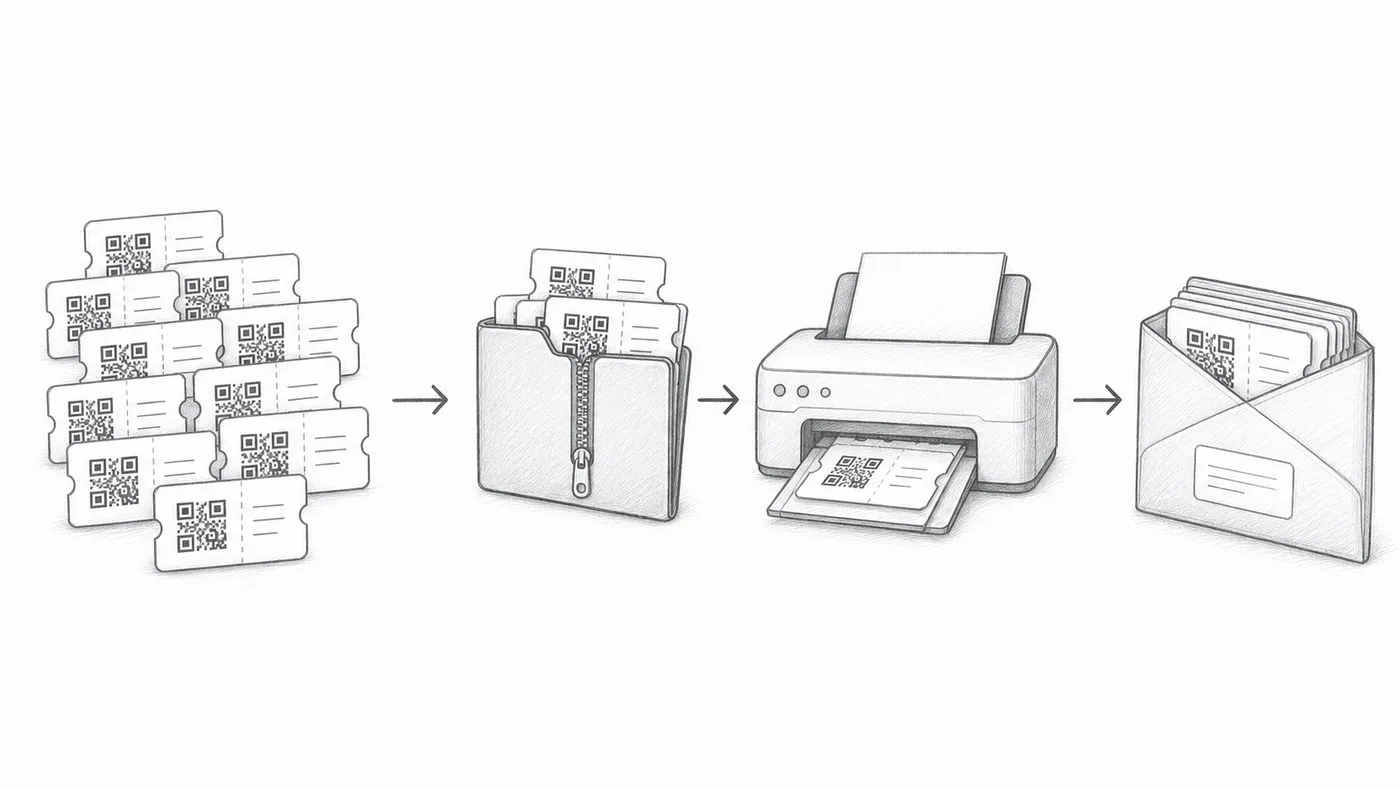
批量下载门票
当参与者需要打印的证件、邮寄包裹或人工分发时使用。
第 1 步
启用批量下载
签到报告中会提供下载已生成门票的链接。
第 2 步
选择 SVG 或 PDF
SVG 适合设计工具。PDF 适合打印。
第 3 步
抽查样本
批量打印前,先打开几个文件并扫描测试。
工作原理
示例
ZIP 中包含单独的门票文件,包括 Ada Mensah 的门票。
避免这些错误
- 如果参与者数据有变动,下载前请重新生成或同步。
- 打印测试应包含一次真实的手机扫描。
- 请妥善保管下载的门票文件。
下一步
准备好开始使用二维码门票了吗?
为 Google Sheets、Google Forms、Jotform、Tally, Fillout 或 WordPress 创建二维码门票。选择您已在使用的流程,然后把参与者名单保存在一个地方。