批次下載票券
當參加者需要列印的識別證、郵寄包裹或人工分發時使用。
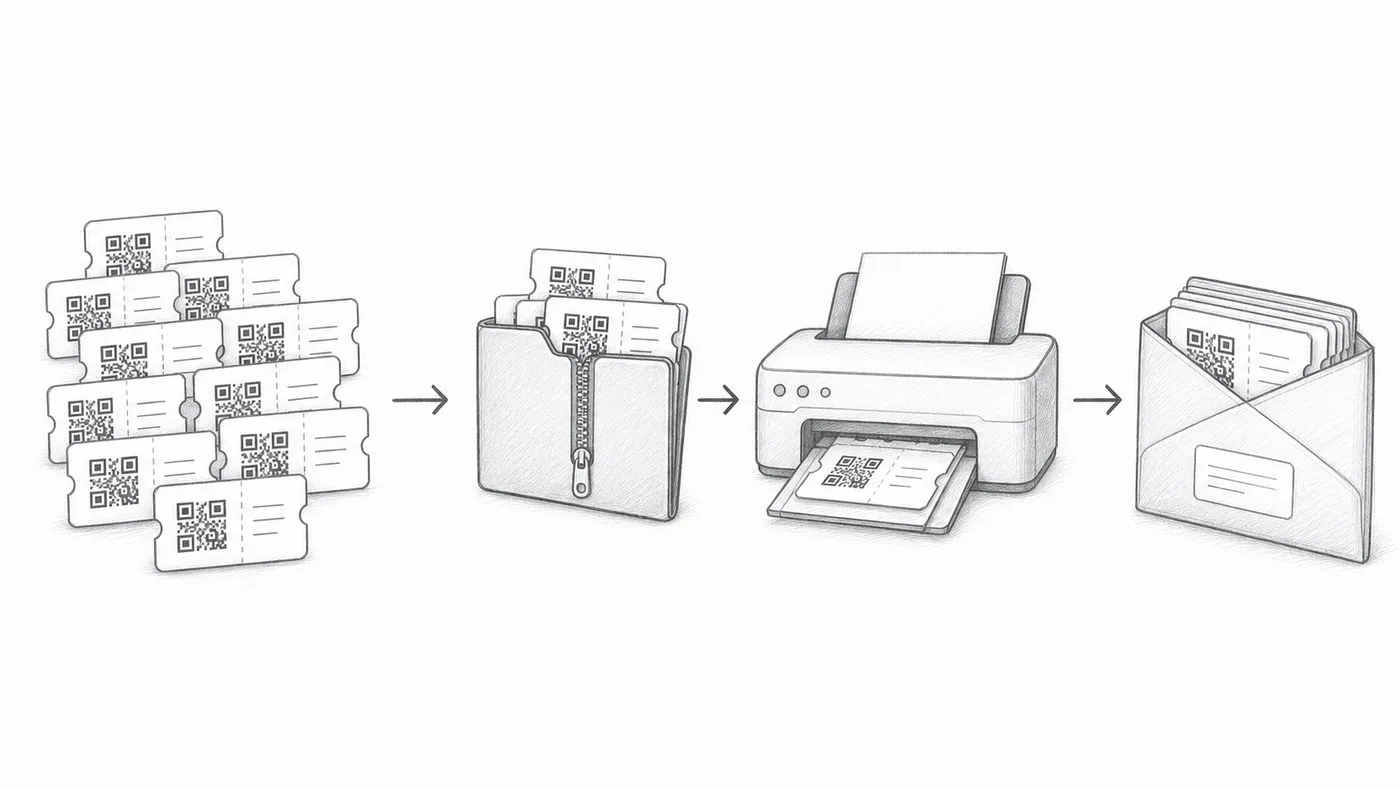
第 1 步
啟用批次下載
報到報表中會提供下載已產生票券的連結。
第 2 步
選擇 SVG 或 PDF
SVG 適合設計工具。PDF 適合列印。
第 3 步
抽查樣本
大量列印前,先開啟幾個檔案並掃描測試。
運作方式
範例
ZIP 中包含個別的票券檔案,包括 Ada Mensah 的票券。
避免這些錯誤
- 如果參加者資料有變動,下載前請重新產生或同步。
- 列印測試應包含一次真實的手機掃描。
- 請妥善保管下載的票券檔案。
下一步
準備好開始使用 QR Code 票券了嗎?
為 Google Sheets、Google Forms、Jotform、Tally, Fillout 或 WordPress 建立 QR Code 票券。選擇您已在使用的流程,然後把參加者名單儲存在一個地方。