Bulk download tickets
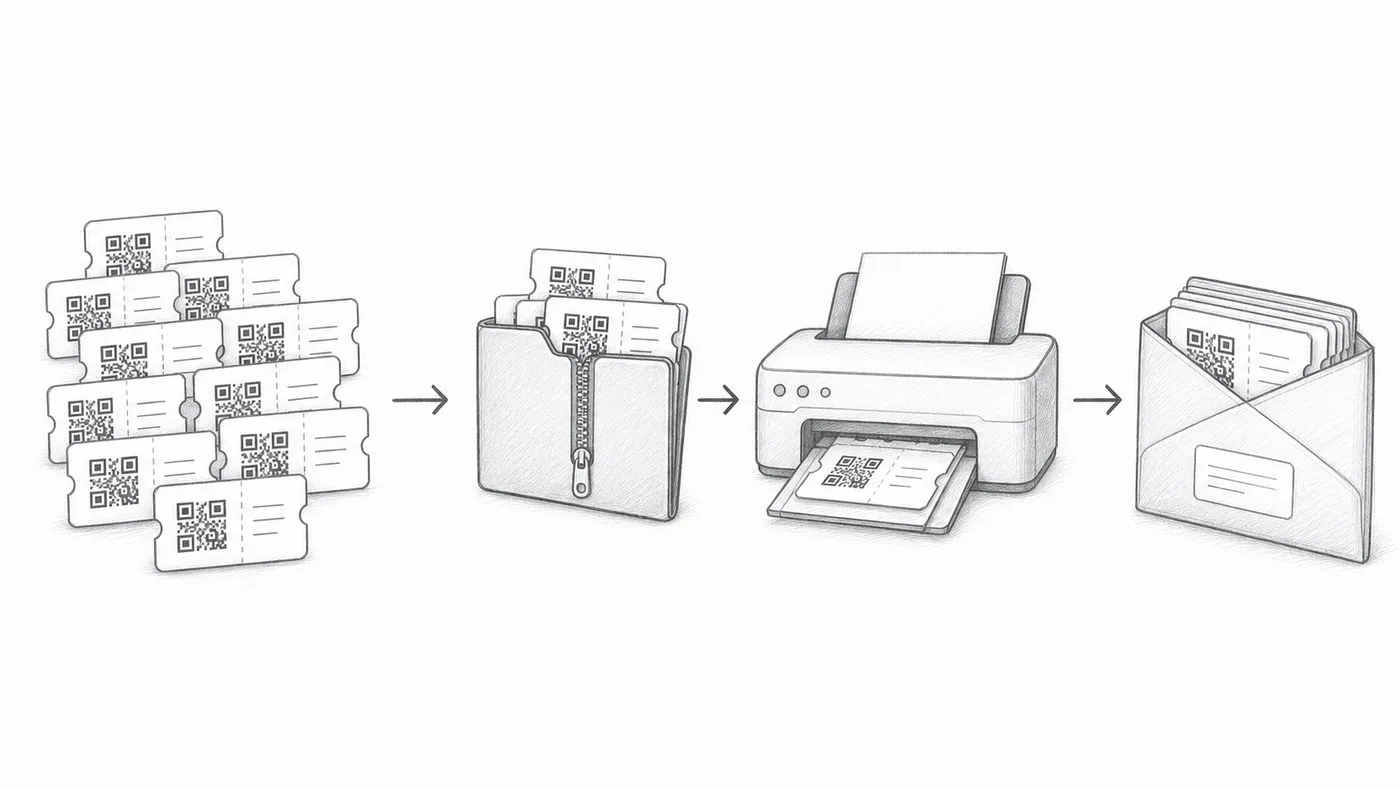
Use this when attendees need printed badges, mailed packets, or manual distribution.
Step 1
Enable bulk download
The check-in reports get links for downloading generated tickets.
Step 2
Choose SVG or PDF
SVG works well for design tools. PDF works well for printing.
Step 3
Verify a sample
Open several files and scan them before mass printing.
How it works
Example
The ZIP contains individual ticket files, including the ticket for Ada Mensah.
Avoid these mistakes
- Regenerate or sync before downloading if attendee data changed.
- Print tests should include a real phone scan.
- Keep downloaded ticket files private.
Next step
Ready to get started with QR code tickets?
Create QR code tickets for Google Sheets, Google Forms, Jotform, Tally, Fillout, or WordPress. Pick the workflow you already use, then keep your attendee list in one place.