Your registration form is ready and sign-ups are coming in. Now someone has to turn that list into tickets, a door process, and an attendance record that doesn't fall apart when the line builds. That's the real job of event ticketing software — and it's why the "best" tool depends on how your team already works, not on who has the longest feature list.
This guide compares 10 ticketing platforms honestly, including our own QR Code Ticket add-on. For each one we give a short verdict, the pricing model, whether there's a free tier, and how check-in works, so you can shortlist in minutes.
How we compared these tools
Every tool below is judged on the same five questions:
- Pricing model: Percentage per ticket, flat fee per ticket, per event, or a contract?
- Free tier: Can you run a small or free event without paying?
- Check-in: Does it include QR or barcode scanning at the door, and what does staff need to run it?
- Where your data lives: Its own dashboard, or tools you already use?
- Audience reach: Does it bring you buyers, or do you bring your own?
Where we could verify a competitor's current pricing on their public pricing page, we quote it (checked August 2026). Where we couldn't, we describe the model without numbers — always confirm on the vendor's site before you commit.
1. QR Code Ticket (Darkaa) — that's us
Verdict: The best fit when your registrations already live in Google Forms or Google Sheets and you want tickets and door check-in without moving your data to a new platform. It is an add-on, not a separate dashboard: one QR ticket per sheet row or form response, delivered as branded PDF or image passes by email or WhatsApp, scanned at the door with a web-based check-in app.
Because it works inside Google Workspace, last-minute changes are easy — edit the sheet five minutes before doors open and the guest list is current. It also supports multi-day events, zones, badge printing, and multiple check-in devices at once. If you run recurring sessions rather than one-off events, see this guide to QR code attendance tracking for classes and trainings.
When NOT to use us: If you need a public marketplace to help sell tickets, a built-in payment checkout, or you don't use Google Forms/Sheets at all, a platform like Eventbrite or Ticket Tailor will serve you better. QR Code Ticket handles tickets, delivery, and check-in — it does not sell tickets for you.
- Pricing model: Per event, from about $7 — no per-ticket fees, no subscription. Reusable credit bundles for recurring events.
- Free tier: Yes — free for small events (up to 10 attendees), so you can test the full workflow first.
- Check-in: QR scanning via a web app on any phone or laptop, unlimited devices, attendance synced back to your sheet.
- Best for: school events, nonprofits, churches, conferences, and any team that runs registration from Google Forms or Sheets.
- Skip it if: you need marketplace discovery or built-in ticket sales.
See per-event pricing or the guide to QR code tickets for Google Sheets registration workflows.
2. Eventbrite
Verdict: Still the default choice for public, paid events, because attendees know it and its marketplace can genuinely help fill seats. You pay for that reach: fees apply to every paid ticket.
- Pricing model: Per published pricing (checked August 2026): 3.7% + $1.79 service fee per paid ticket, plus a 2.9% payment processing fee.
- Free tier: Yes — publishing free events is free.
- Check-in: Organizer app with QR/barcode scanning included.
- Best for: public events where marketplace discovery helps you sell tickets.
- Skip it if: your event is invite-only or community-run — you'd pay marketplace fees without getting marketplace value.
Website: Eventbrite
3. Ticket Tailor
Verdict: The "keep costs predictable" pick. Flat per-ticket fees instead of percentages, direct payouts through Stripe or PayPal, and white-label branding. No marketplace, so promotion is entirely on you.
- Pricing model: Flat fee per ticket sold (prepaid credits available; discounts for charities). Payment processing fees are separate. Check their pricing page for current rates.
- Free tier: Free events are free to run.
- Check-in: Free companion scanning app included.
- Best for: cost-conscious organizers with their own audience: clubs, nonprofits, small festivals.
- Skip it if: you rely on a marketplace to find buyers.
Website: Ticket Tailor
4. TicketSpice
Verdict: Best when the checkout experience itself is the problem. Highly customizable ticketing pages, conditional logic, upsells, and embeddable widgets — you keep buyers on your own website instead of a marketplace listing.
- Pricing model: Per published pricing (checked August 2026): 99¢ per paid ticket (49¢ for tickets of $5 or less), plus card processing around 2.9% + 30¢. No contracts or annual fees.
- Free tier: Free events are free.
- Check-in: Mobile scanning app for door teams.
- Best for: festivals, fundraisers, and churches that drive their own traffic and want checkout control.
- Skip it if: you want the platform to bring you an audience — it's a conversion tool, not a discovery engine.
Website: TicketSpice
5. Universe (by Ticketmaster)
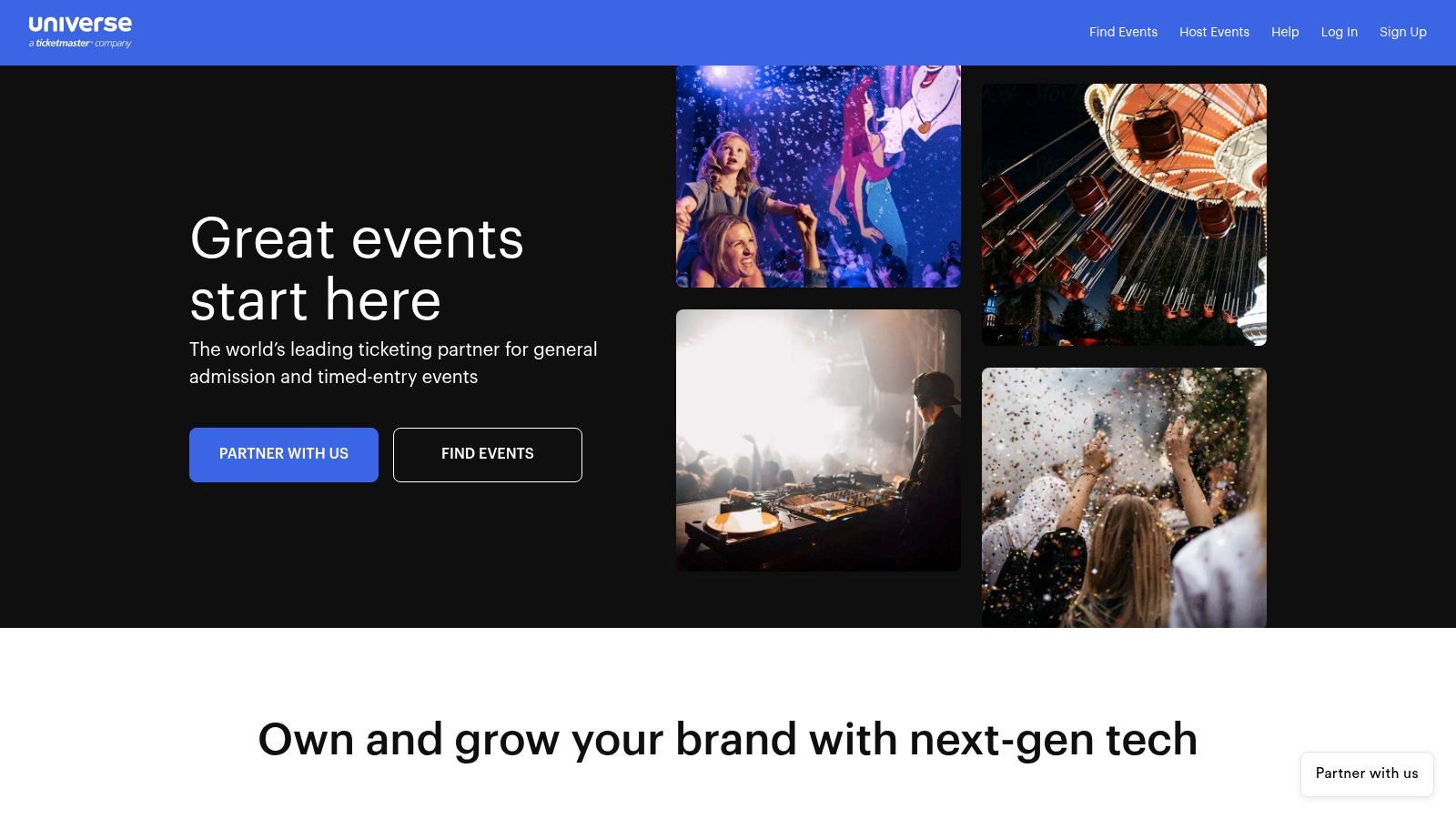
Verdict: A middle lane between DIY tools and enterprise ticketing. Self-serve setup with branded event pages and door sales, plus a possible path into Ticketmaster distribution if your event outgrows lightweight needs.
- Pricing model: Fees vary by setup and tier; broader distribution options depend on upgraded arrangements. Confirm the current fee structure before committing.
- Free tier: Free events are supported.
- Check-in: Scanning and door-sales support included.
- Best for: mid-sized general-admission events that may want bigger distribution later.
- Skip it if: you want the simplest or cheapest option — fee structures need careful reading.
Website: Universe (by Ticketmaster)
6. ShowClix (Leap Event Technology)
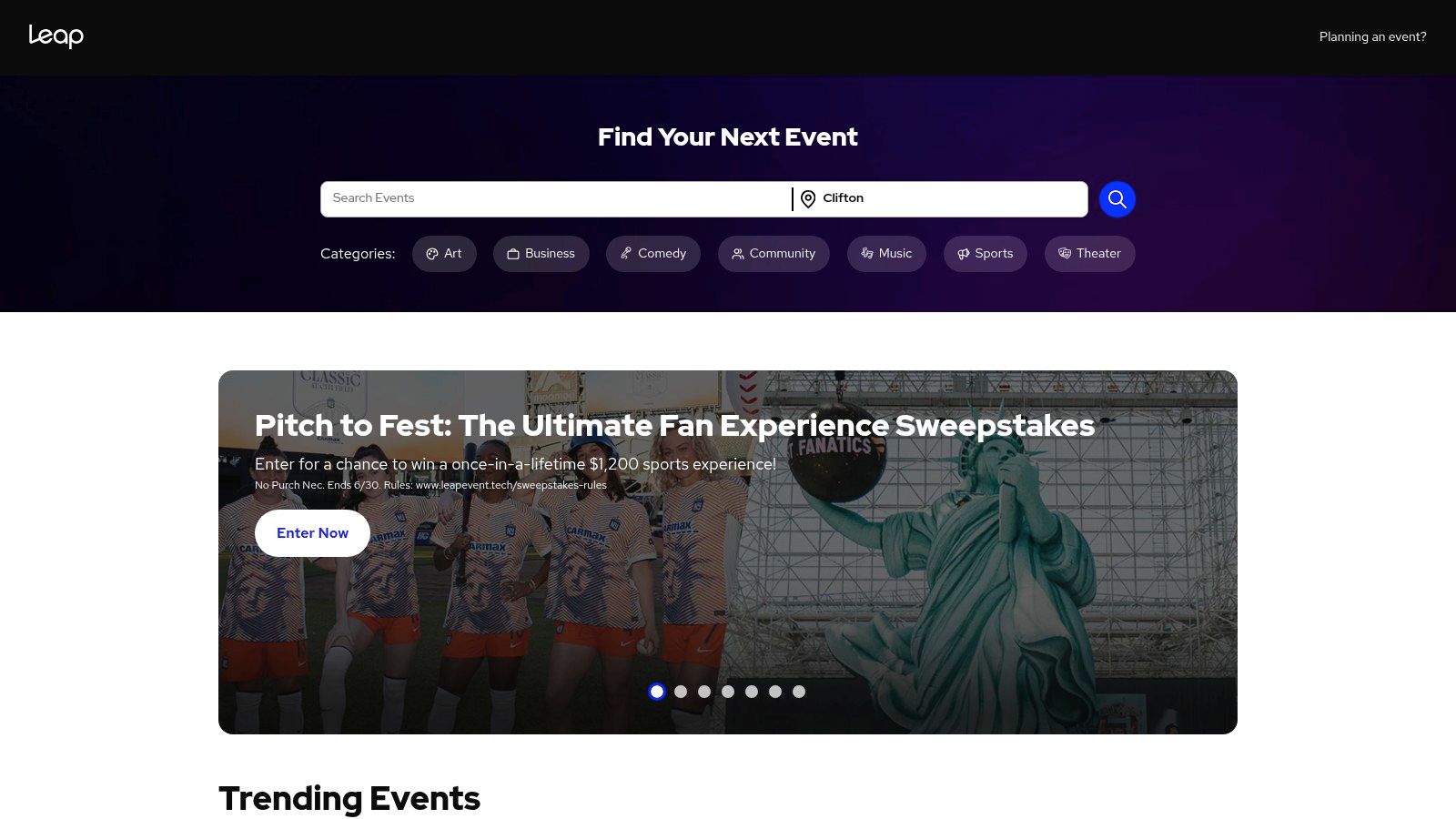
Verdict: Service-backed ticketing for attractions, museums, and timed-entry operations. You're buying operational help — box office tools, capacity control, onsite services — not just software.
- Pricing model: Sales-led, custom contracts. Expect a procurement process rather than a sign-up form.
- Free tier: No self-serve free tier.
- Check-in: Professional onsite scanning, box office, and admissions workflows.
- Best for: attractions and venues with daily guest-flow and capacity concerns.
- Skip it if: you run a simple seminar, fundraiser, or one-off event — it's too much platform.
Website: ShowClix (Leap Event Technology)
7. Accelevents
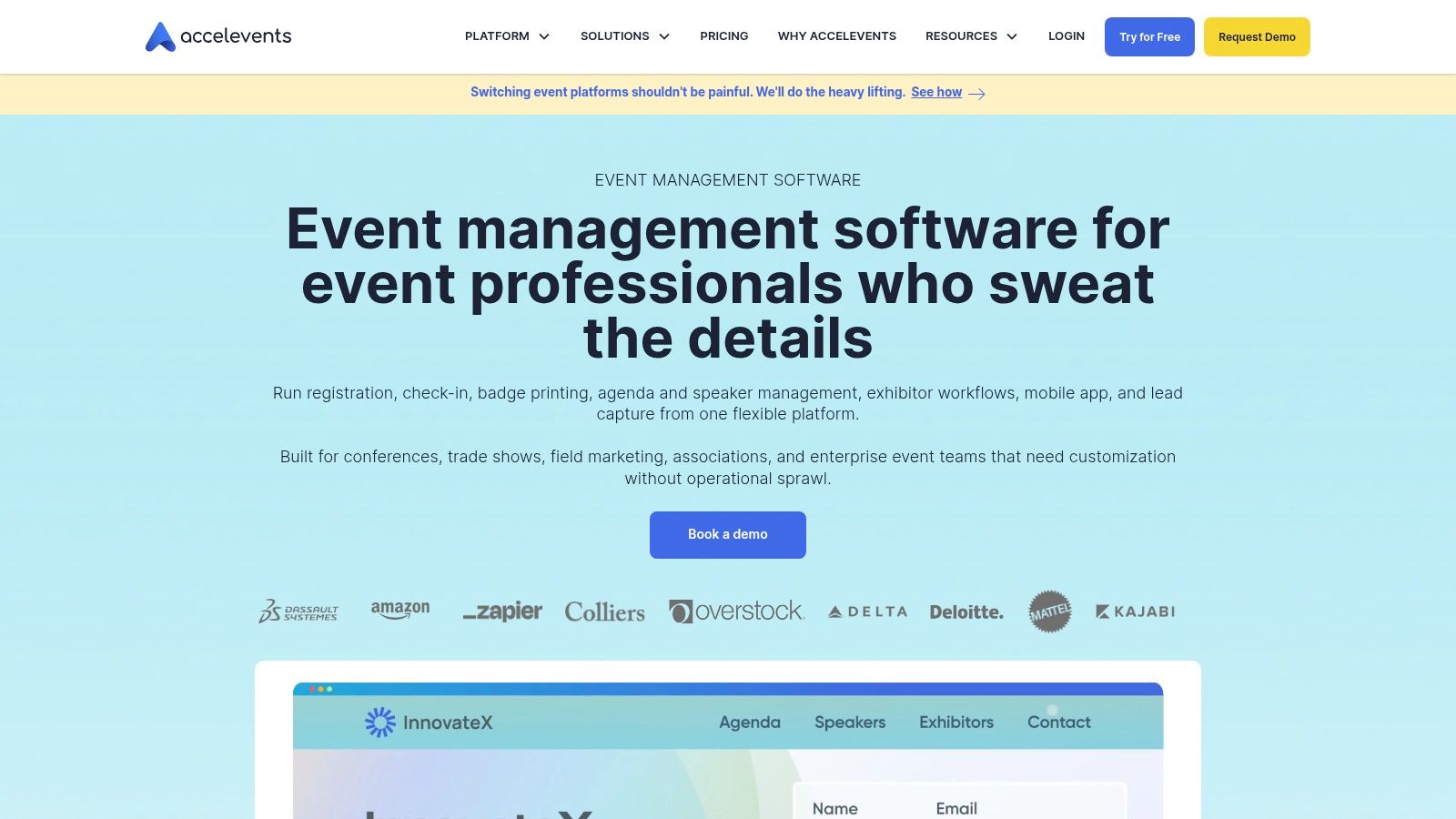
Verdict: An all-in-one platform for conference-shaped events: registration, badging, mobile event apps, virtual sessions, and exhibitor management under one roof. Powerful for the right team, oversized for a simple ticketed event.
- Pricing model: Plan-based pricing; costs vary with the options you need. Confirm the current plans on their site.
- Free tier: No meaningful free tier for full event runs.
- Check-in: Check-in and badge printing built in.
- Best for: corporate conferences and hybrid events with sessions, sponsors, and exhibitors.
- Skip it if: you don't need most of the platform — unused breadth becomes complexity.
Website: Accelevents
8. Cvent
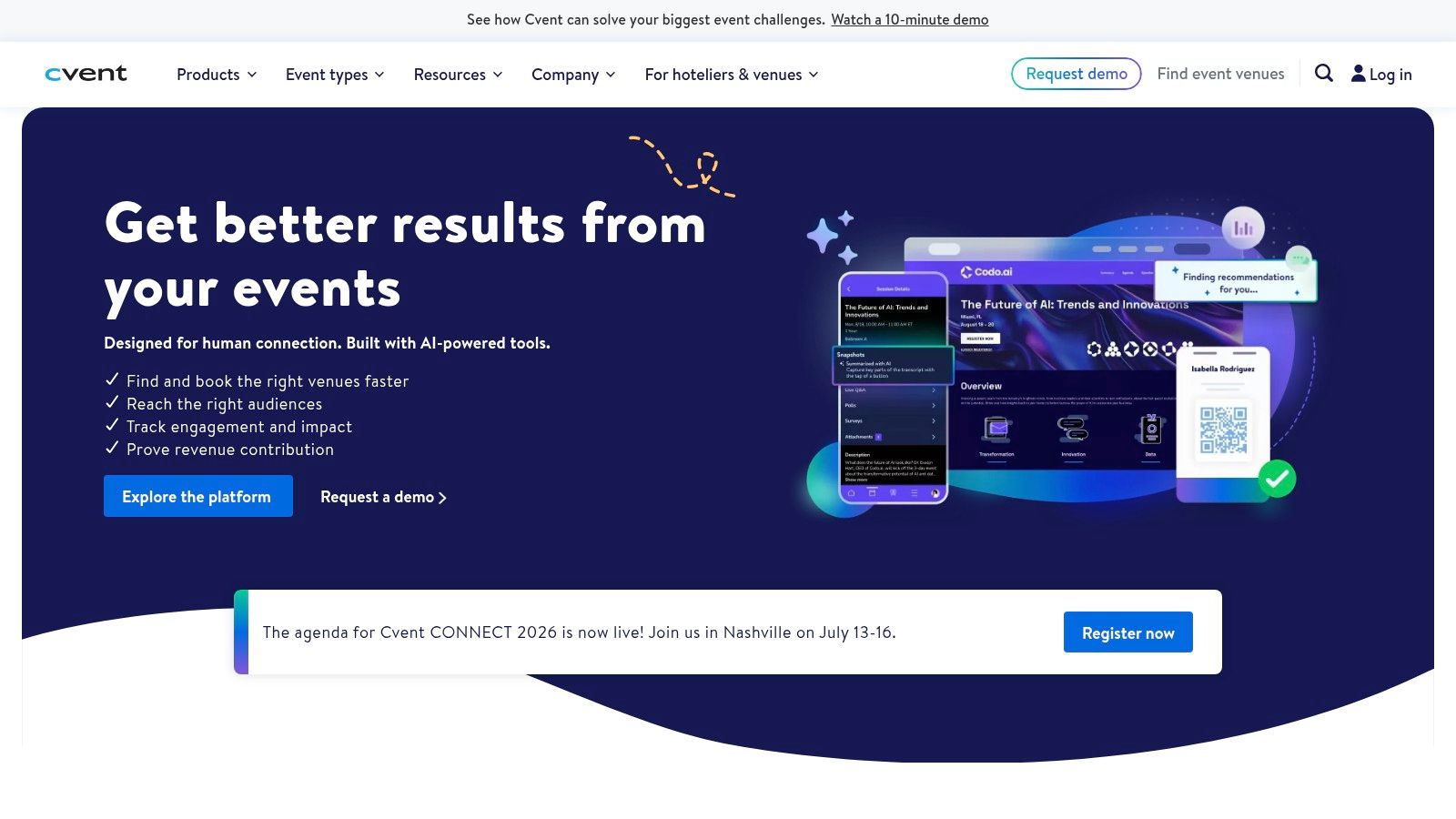
Verdict: The enterprise answer. Deep registration logic, integrations, compliance, and reporting that match how large organizations already work. The trade-off is cost, implementation time, and training.
- Pricing model: Enterprise contracts with implementation and license fees. Quote-based.
- Free tier: No.
- Check-in: Enterprise-grade onsite solutions including badging.
- Best for: large companies, associations, and universities with complex, multi-team event programs.
- Skip it if: you're anything smaller — simpler tools will be faster and cheaper.
Website: Cvent
9. Eventzilla
Verdict: A practical middle tier: more than a minimal ticketing tool, without enterprise commitment. Flexible registration forms, embeddable widgets, waitlists, and multiple payment gateway options.
- Pricing model: Per-ticket fees that vary by edition and region; payment gateway fees apply separately. Verify current plan details for your country.
- Free tier: Free events are free.
- Check-in: Check-in app included.
- Best for: small and midsize organizers running recurring business events, training, or local conferences.
- Skip it if: you need either the cheapest option or deep enterprise features — it sits in between.
Website: Eventzilla
10. Eventgroove
Verdict: The pick when you need printed materials alongside digital ticketing. Online sales, QR codes, and box office support, coordinated with printed tickets, wristbands, and event collateral from the same vendor.
- Pricing model: Low per-ticket fees with optional fee caps; donation handling for nonprofits. Check current rates on their site.
- Free tier: Free events are free.
- Check-in: QR code scanning supported.
- Best for: nonprofits, festivals, and schools that want print and digital in one flow.
- Skip it if: you need enterprise workflows or a large integration ecosystem.
Comparison at a glance
| Tool | Pricing model | Free tier | QR check-in | Brings you buyers? |
|---|---|---|---|---|
| QR Code Ticket (Darkaa) | Per event, from ~$7; no per-ticket fees | Yes (small events) | Yes, web app, unlimited devices | No |
| Eventbrite | 3.7% + $1.79/ticket + 2.9% processing | Free events only | Yes, organizer app | Yes (marketplace) |
| Ticket Tailor | Flat fee per ticket | Free events only | Yes, free app | No |
| TicketSpice | 99¢/ticket (49¢ under $5) + processing | Free events only | Yes, mobile app | No |
| Universe | Varies by tier | Free events only | Yes | Partly (Ticketmaster path) |
| ShowClix (Leap) | Custom contracts | No | Yes, pro onsite | Partly |
| Accelevents | Plan-based | No | Yes, with badging | No |
| Cvent | Enterprise contracts | No | Yes, enterprise onsite | No |
| Eventzilla | Per-ticket, varies by edition | Free events only | Yes | No |
| Eventgroove | Per-ticket with fee caps | Free events only | Yes | No |
Competitor pricing marked with numbers was checked on the vendor's public pricing page in August 2026 and can change — always confirm before you commit.
How to choose the right ticketing software
Start from your workflow, not the feature lists:
- Registrations already in Google Forms or Sheets? Use QR Code Ticket. You keep your data where it is and add tickets, delivery, and check-in on top — free to test on a small event.
- Selling public tickets and need reach? Eventbrite's marketplace can earn its fees. Do the math on your ticket price first.
- You bring your own audience and want predictable costs? Ticket Tailor, TicketSpice, or Eventgroove keep fees flat.
- Complex conferences with exhibitors, badging, or timed entry? Accelevents, Cvent, or ShowClix — expect contracts and setup time.
Before you sign anything, test the moments that hurt on event day: check-in speed on weak venue Wi-Fi, how temporary staff get access, refund handling, and whether finance can reconcile payouts without spreadsheet cleanup. If pricing design is your open question, our guide to ticket pricing strategy pairs well with any of these tools, and this walkthrough of QR codes for event check-in covers the door process itself.
Frequently asked questions
What is the best event ticketing software for small events?
For small or invite-only events, a lightweight tool usually beats a big platform. If your guest list already lives in Google Forms or Google Sheets, the QR Code Ticket add-on is free for small events and adds QR tickets and check-in without moving your data. If you need to sell public tickets, flat-fee tools like Ticket Tailor or TicketSpice keep costs predictable.
Which event ticketing software has no per-ticket fees?
Most marketplace platforms charge a percentage plus a fixed amount per paid ticket. Flat-fee tools such as TicketSpice charge a fixed amount per ticket instead. The QR Code Ticket add-on charges per event (from about $7) rather than per ticket sold, so the cost does not grow with your ticket price.
Do I need ticketing software if I already use Google Forms?
Not necessarily. Google Forms already handles registration well. What it lacks is tickets and door control. An add-on like QR Code Ticket turns each form response into a QR ticket and gives you a check-in scanner, so you can keep Forms and Sheets as your only registration system.
How does QR code check-in work at the door?
Each guest gets a ticket with a unique QR code, sent by email or WhatsApp. At the entrance, staff scan the code with a phone or laptop using a web-based scanner. The ticket is marked as used instantly, which blocks duplicates and gives you a live attendance count.
Is Eventbrite free to use?
Eventbrite is free for free events. For paid tickets, Eventbrite's published pricing is a 3.7% + $1.79 service fee per ticket plus a 2.9% payment processing fee (checked on their pricing page, August 2026). Whether that is worth it depends on how much of your audience comes from Eventbrite's marketplace.