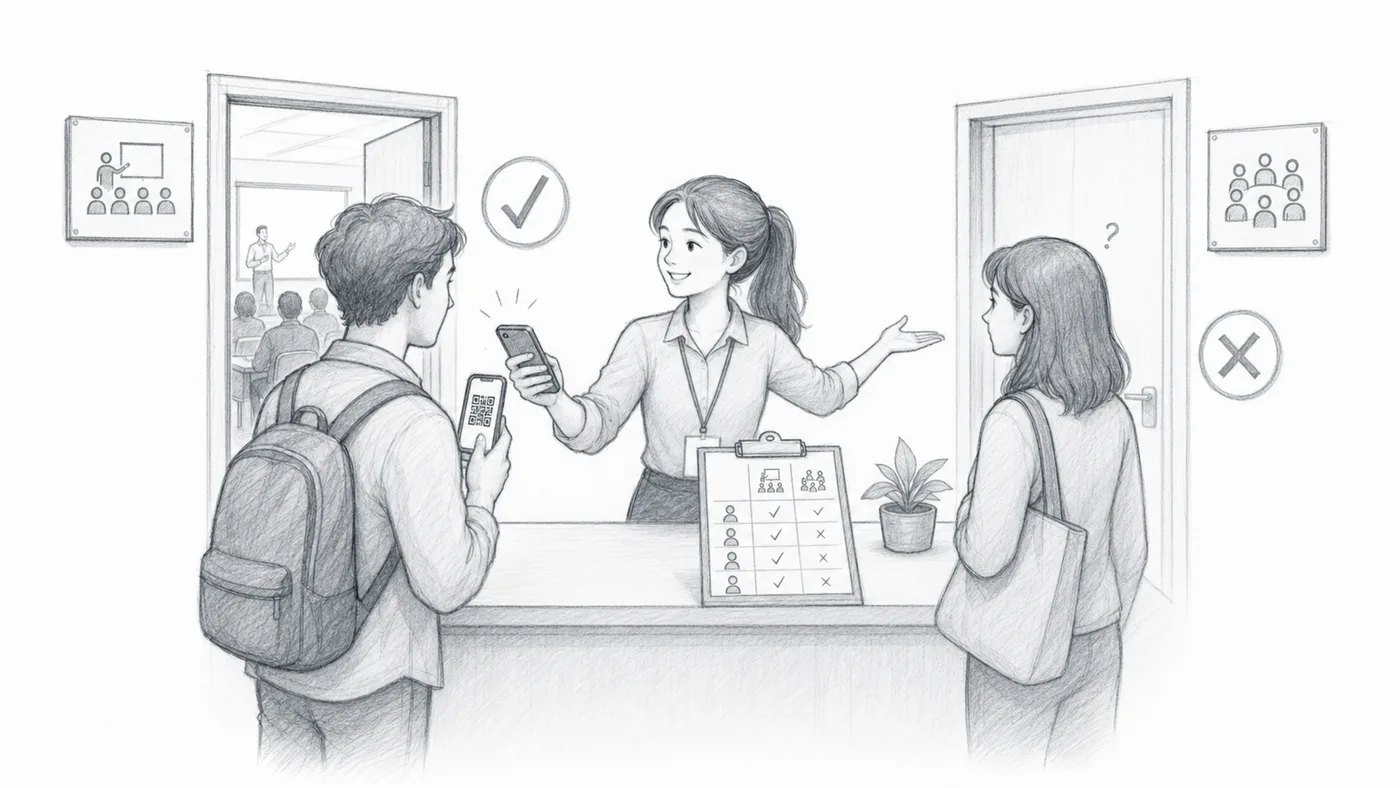
Let each guest in once per session
Use this when everyone can attend the same sessions and each guest should get in once per session. The door refuses a second scan in the same session, so nobody slips in twice.
Step 1
Choose the no-repeat session mode
In check-in settings, choose Session-specific check-in (no repeat).
Step 2
Add one session name per line
Use names staff can recognize quickly, such as Week 1, Week 2, or Monday lunch.
Step 3
Select the current session before scanning
The first scan for that attendee in that session passes. Later scans in the same session are blocked.
How it works
Example
Ada Mensah can check in once for Workshop A and once for Workshop B. A second scan for Workshop A is blocked.
Avoid these mistakes
- Do not enable session permissions unless different attendees need different allowed sessions.
- Use clear session names so staff select the right one before scanning.
- If a session name changes, make sure all scanner devices use the updated settings.
Next step
Ready to get started with QR code tickets?
Create QR code tickets for Google Sheets, Google Forms, Jotform, Tally, Fillout, or WordPress. Pick the workflow you already use, then keep your attendee list in one place.