暂停或恢复门票自动发送

在仍在测试表单时,或报名截止后使用。无论如何回复都会继续进入表单;只有门票会等待。
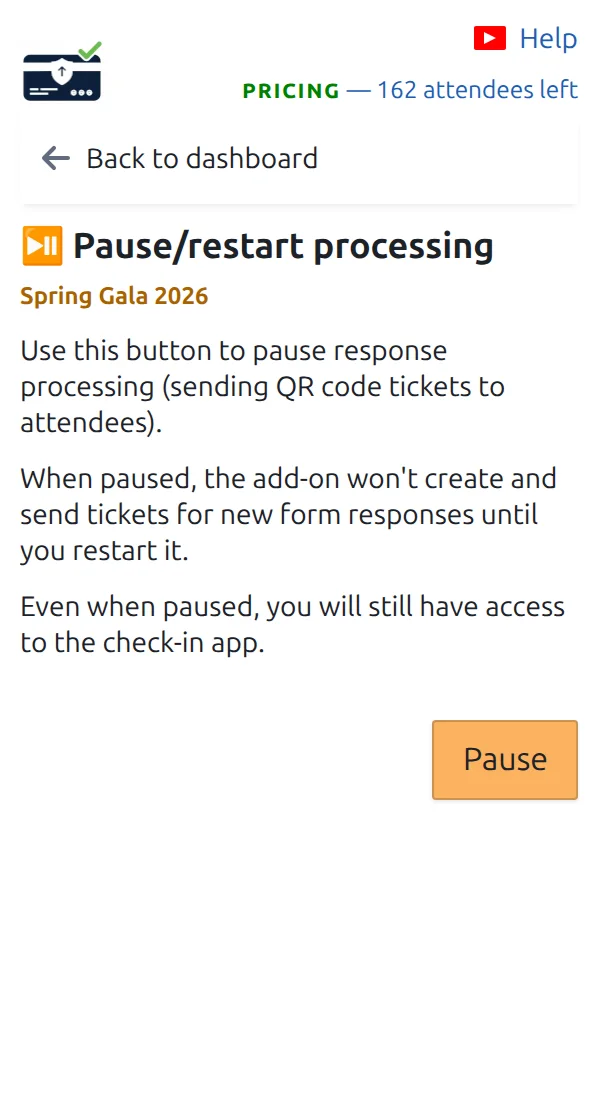
这个页面用于暂停或恢复门票自动发送。
彩排时暂停,活动开始时恢复。 点按可放大查看。
第 1 步

打开“暂停/恢复处理”

在仪表盘上,位于门票相关页面下方。

第 2 步

按下暂停

新回复会立即停止收到门票。表单仍正常工作并记录每个回答。

第 3 步

准备好后恢复

在同一页面按下恢复。要补发暂停期间错过的门票,请打开“补发缺失的二维码门票”。

工作原理

What pausing stops, and what it does not While sending is paused, the form keeps working and keeps every answer. Only the tickets wait, until you restart and catch up. Pause/restart processing Send tickets automatically Paused since Friday, 6 responses waiting Still working Your form, and every answer people send. On hold The ticket emails, until you restart. Restart, then Send missing QR code tickets Restarting alone does not send the tickets missed while you were paused.
Your form never stops. Only the tickets wait for you.

示例

您周五暂停以便和团队彩排,周一早上恢复,然后一键补发周末的回复。

观看工作原理

避免这些错误

下一步

准备好开始使用二维码门票了吗?

为 Google Sheets、Google Forms、Jotform、Tally 或 WordPress 创建二维码门票。选择您已在使用的流程,然后把参与者名单保存在一个地方。