Pausa l'invio automatico dei biglietti
Usala mentre stai ancora testando il modulo, o dopo la chiusura delle iscrizioni. Le risposte continuano comunque ad arrivare nel modulo; solo i biglietti aspettano.
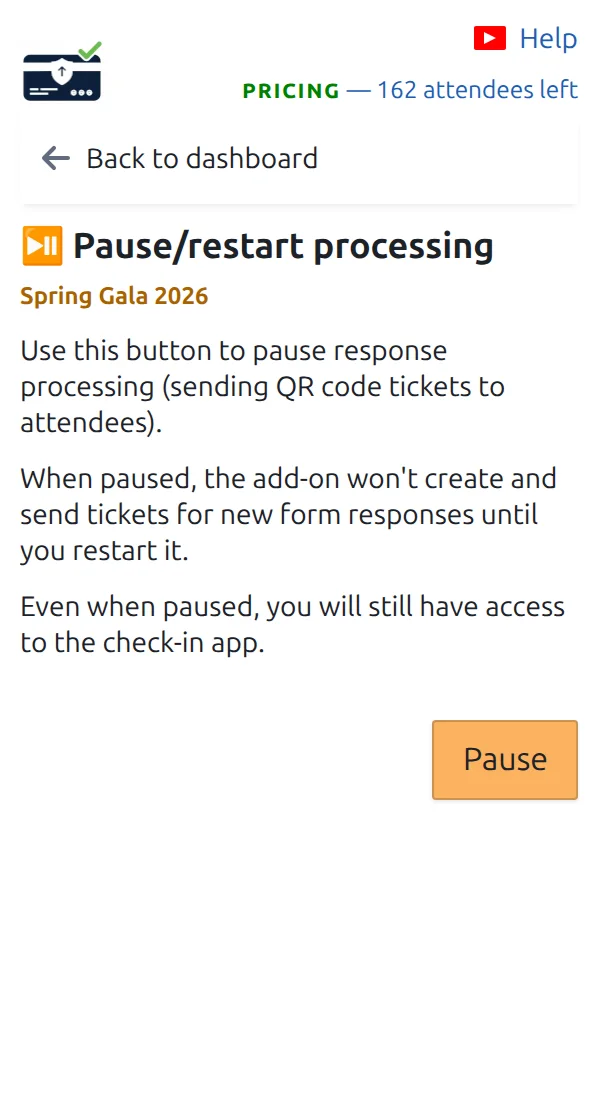
Apri Metti in pausa/riprendi l'elaborazione
È nella dashboard, sotto le pagine dei biglietti.
Premi pausa
Le nuove risposte smettono subito di ricevere il biglietto. Il tuo modulo funziona ancora e registra comunque ogni risposta.
Riprendi quando sei pronto
Premi riprendi nella stessa pagina. Per inviare i biglietti saltati mentre eri in pausa, apri Invia i biglietti QR mancanti.
Come funziona
Esempio
Metti in pausa venerdì per provare con il tuo team, riprendi lunedì mattina, poi recuperi le risposte del weekend con una sola pressione.
Guarda come funziona
Evita questi errori
- La ripresa non invia da sola i biglietti mancanti. Per quello usa la pagina di recupero.
- Chiudere il pannello del componente aggiuntivo non mette in pausa nulla. L'invio si ferma solo quando premi pausa.
Passo successivo
Pronto a iniziare con i biglietti con codice QR?
Crea biglietti con codice QR per Google Sheets, Google Forms, Jotform, Tally, Fillout o WordPress. Scegli il flusso che usi già, poi mantieni la lista dei partecipanti in un unico posto.