다음 조건일 때만 티켓 생성…
결제 완료, 승인, 확인 또는 선택된 참석자에게 사용하세요.
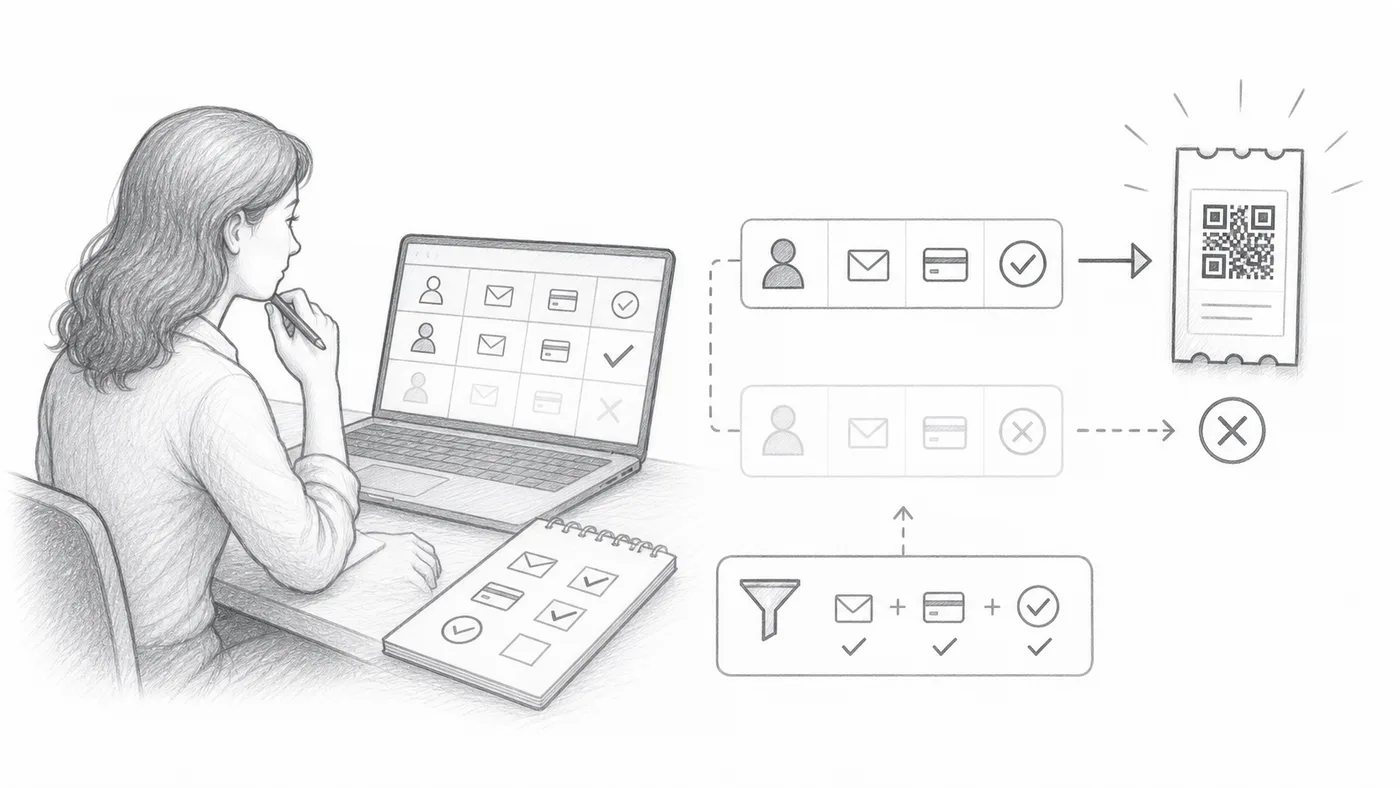
1단계
자격 필드를 선택하세요
티켓 생성 여부를 결정하는 시트 열 또는 양식 질문을 선택하세요.
2단계
필수 값을 입력하세요
정확히 일치하는 경우만 QR 티켓 생성 대상이 됩니다.
3단계
생성하거나 자동화하세요
일치하지 않는 행이나 응답은 값이 바뀔 때까지 건너뜁니다.
작동 방식
예시
Paid = Yes일 때만 티켓을 생성하세요.
이런 실수를 피하세요
- 대소문자와 공백이 중요합니다. 값을 일관되게 유지하세요.
- Sheets 사용자는 기존 행을 변경한 후 참석자 데이터를 업데이트해야 합니다.
- 빈 값은 건너뜁니다.
실제 설정에서 보기
다음 단계
QR 코드 티켓을 시작할 준비가 되셨나요?
Google Sheets, Google Forms, Jotform, Tally, Fillout 또는 WordPress용 QR 코드 티켓을 만드세요. 이미 사용 중인 워크플로를 선택한 다음 참석자 명단을 한곳에 유지하세요.