See who came and export your reports
Use this during and after your event to answer the question everyone asks: who actually showed up?
Step 1
Watch the sheet during the event
In Google Sheets™ the add-on keeps a column showing whether each guest has been scanned. In Google Forms™, open the reports below instead.
Step 2
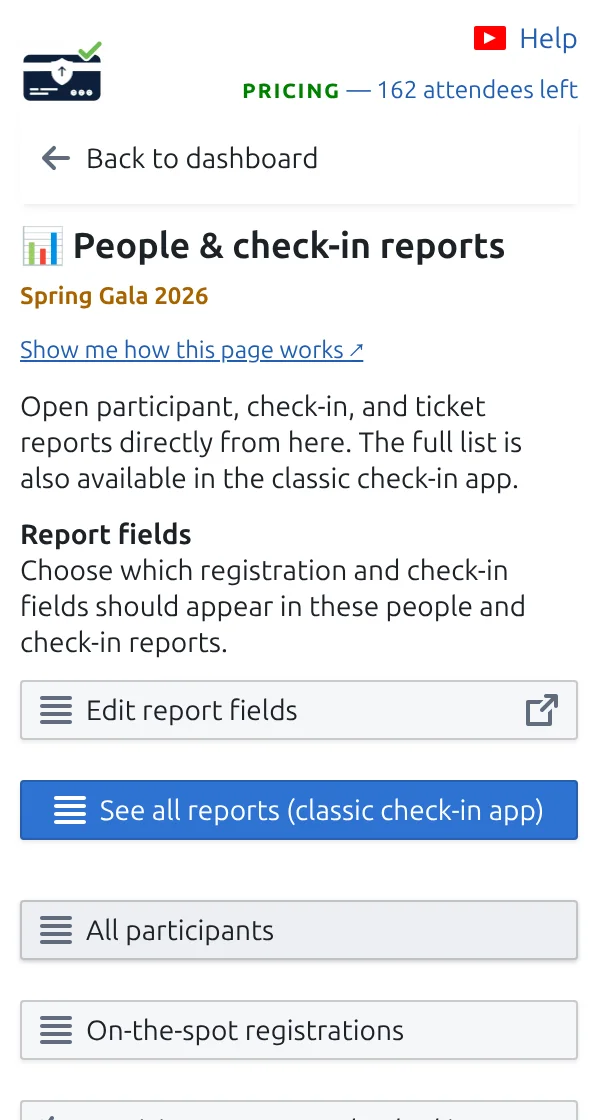
Open People & check-in reports
You get ready-made lists: guests who arrived, guests still expected, and scans per colleague.
Step 3
Export what you need
Download any report as a spreadsheet file to share with your team or your client.
How it works
Example
Halfway through the evening you can tell how many invited guests are still expected.
Watch how it works
Avoid these mistakes
- Refresh the sheet if the arrival column looks behind.
- Reports follow the project, so check you are looking at the live one and not a demo.
- Export before clearing check-ins, otherwise the numbers are gone.
See it in a real setup
Next step
Ready to get started with QR code tickets?
Create QR code tickets for Google Sheets, Google Forms, Jotform, Tally, Fillout, or WordPress. Pick the workflow you already use, then keep your attendee list in one place.