Vedi chi è venuto ed esporta i tuoi report
Usala durante e dopo l'evento per rispondere alla domanda che fanno tutti: chi si è presentato davvero?
Passaggio 1
Tieni d'occhio il foglio durante l'evento
In Google Sheets™ il componente aggiuntivo mantiene una colonna che mostra se ogni ospite è stato scansionato. In Google Forms™, apri invece i report qui sotto.
Passaggio 2
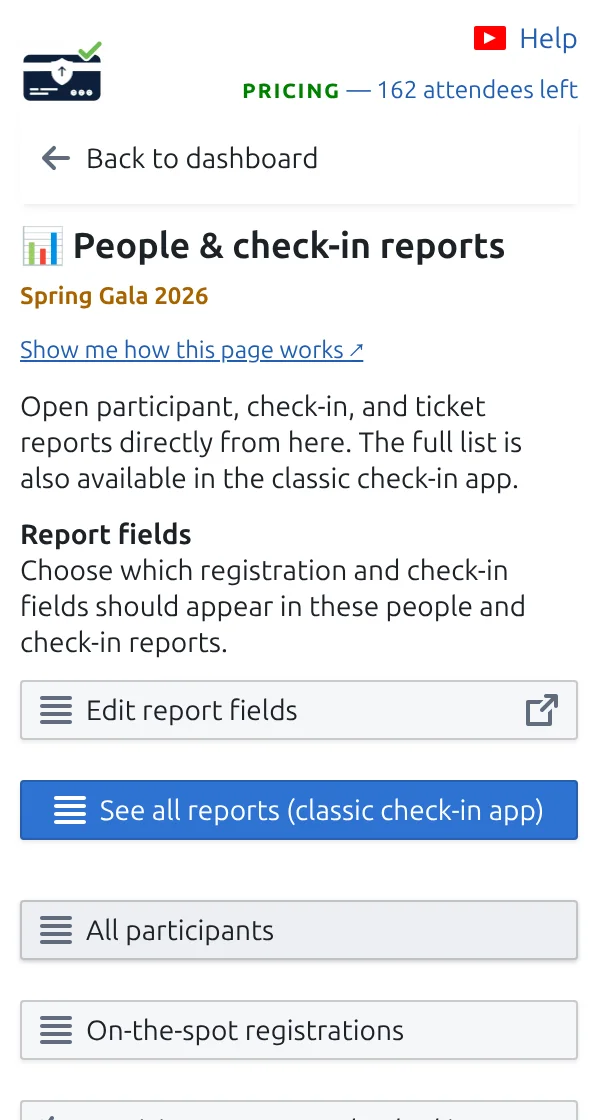
Apri Report di partecipanti e check-in
Ottieni liste già pronte: ospiti arrivati, ospiti ancora attesi e scansioni per collega.
Passaggio 3
Esporta ciò che ti serve
Scarica qualsiasi report come file di foglio di calcolo da condividere con il tuo team o il tuo cliente.
Come funziona
Esempio
A metà serata puoi dire quanti ospiti invitati sono ancora attesi.
Guarda come funziona
Evita questi errori
- Aggiorna il foglio se la colonna degli arrivi sembra indietro.
- I report seguono il progetto, quindi controlla di stare guardando quello reale e non una demo.
- Esporta prima di cancellare i check-in, altrimenti i numeri spariscono.
Vedilo in una configurazione reale
Passo successivo
Pronto a iniziare con i biglietti con codice QR?
Crea biglietti con codice QR per Google Sheets, Google Forms, Jotform, Tally, Fillout o WordPress. Scegli il flusso che usi già, poi mantieni la lista dei partecipanti in un unico posto.