Tampilkan detail yang tepat kepada staf saat mereka memindai
Saat tamu mendekat, staf Anda hanya punya hitungan detik untuk memastikan ini orang yang tepat. Pengaturan ini memilih kata-kata yang muncul di pemindai setelah tiap pemindaian, sehingga nama, perusahaan, atau kursi bisa dipastikan tanpa membuka apa pun lagi.
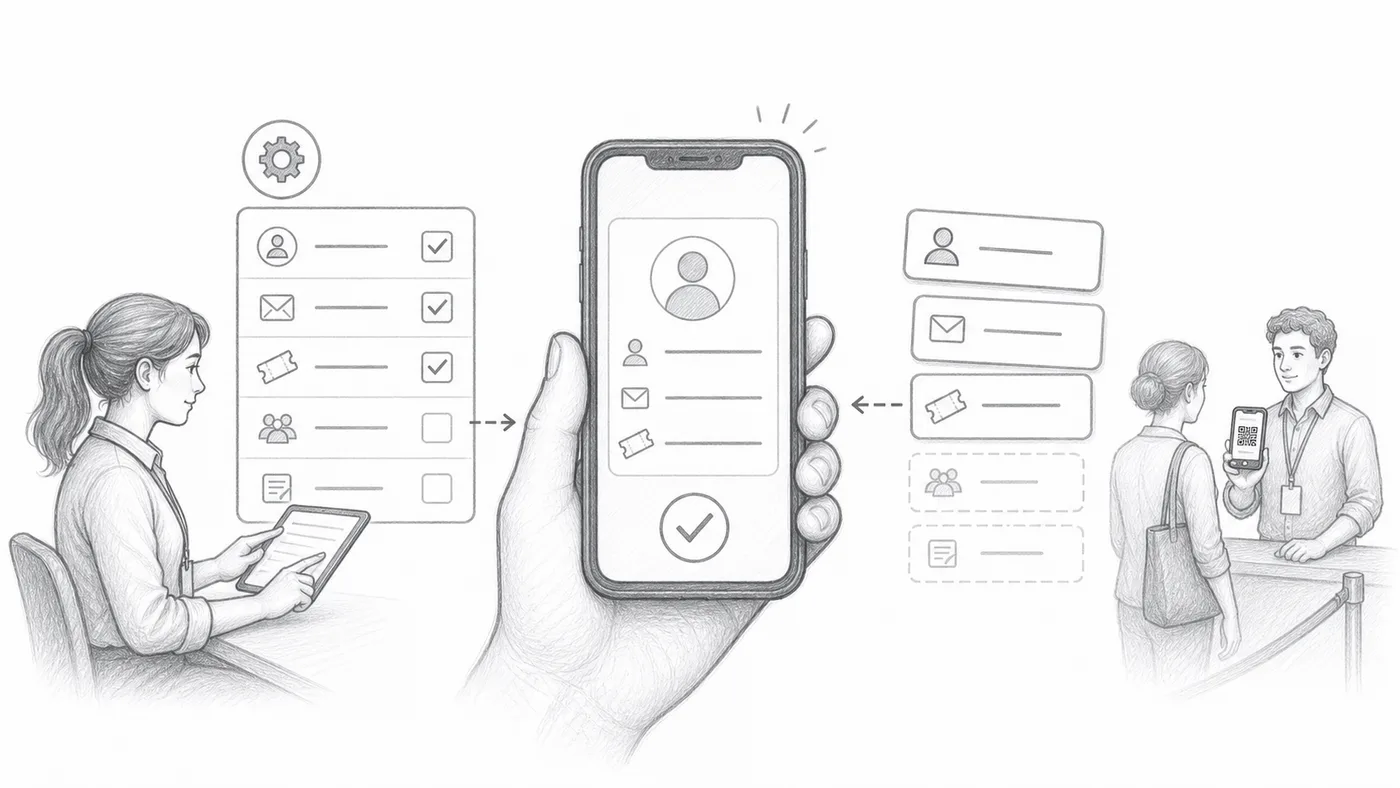
Pilih isian yang berguna
Di pintu yang ramai, nama saja sering tidak cukup. Pilih detail yang cepat menghapus keraguan, seperti perusahaan, jenis tiket, atau kursi — hal-hal yang bisa dicocokkan staf dengan kata-kata tamu.
Susun formatnya
Gabungkan kolom tersebut dengan label pendek atau pemisah, misalnya Nama · Perusahaan · Kursi. Baris gabungan itulah yang tampil besar di pemindai setelah tiap pemindaian.
Pindai tiket uji coba
Pindai tiket Anda sendiri dengan ponsel: jika kartunya bisa Anda baca sejauh satu lengan dalam satu detik, staf Anda juga bisa.
Cara kerjanya
Contoh
{First name} {Last name} - {Company} bisa tampil sebagai baris utama peserta di pemindai.
Hindari kesalahan ini
- Jangan membebani pemindai dengan terlalu banyak isian.
- Hindari isian yang sering kosong.
- Pengguna Sheets harus menyinkronkan data peserta setelah mengubah kolom yang dipakai.
Lihat dalam penyiapan nyata
Langkah berikutnya
Siap memulai dengan tiket kode QR?
Buat tiket kode QR untuk Google Sheets, Google Forms, Jotform, Tally, Fillout, atau WordPress. Pilih alur kerja yang sudah Anda pakai, lalu simpan daftar peserta Anda di satu tempat.