스태프에게 스캔 시 올바른 정보 보여주기
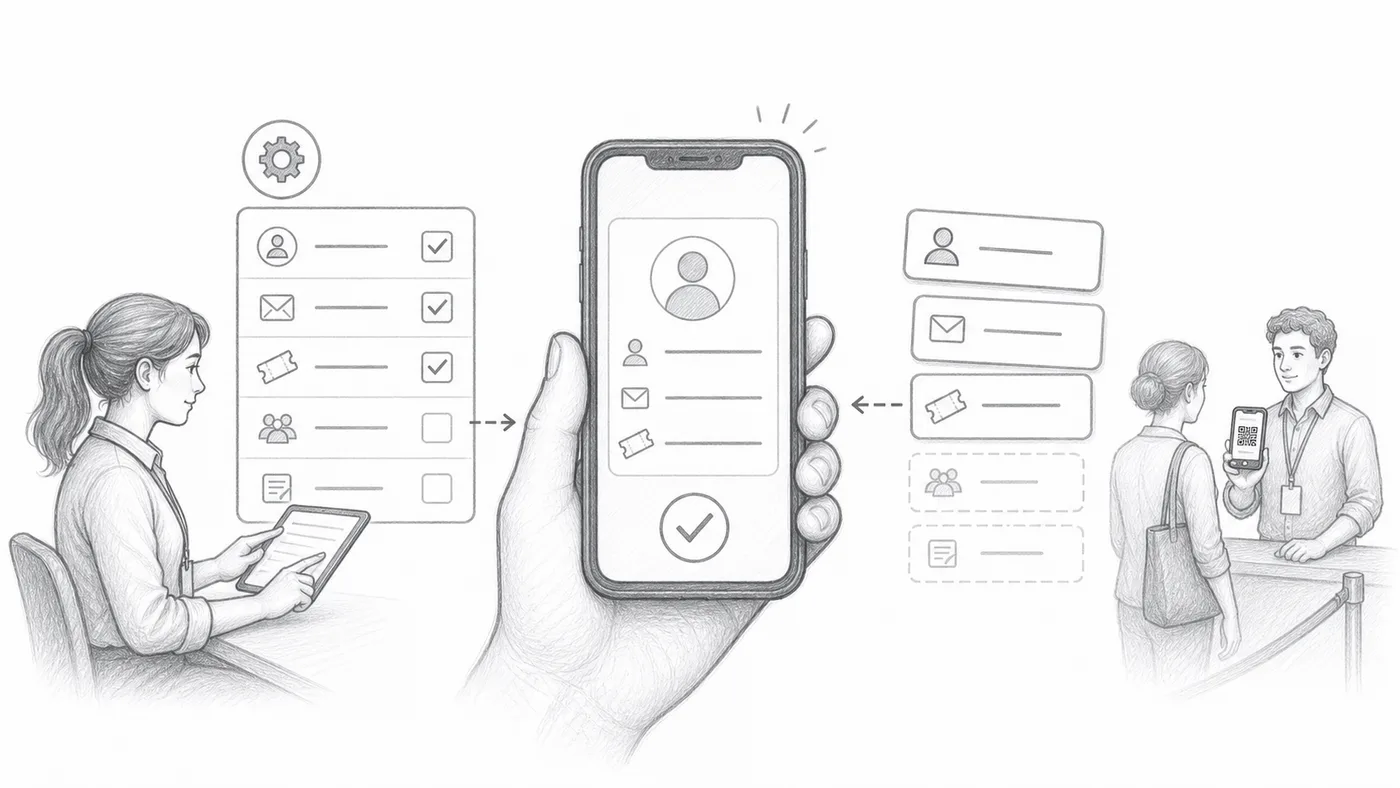
게스트가 다가오면 스태프는 올바른 사람인지 판단할 몇 초만 있습니다. 이 설정은 매 스캔 후 스캐너에 표시될 단어를 골라 이름·회사·좌석을 다른 것을 열지 않고 확인하게 해 줍니다.
1단계
유용한 필드를 선택하세요
혼잡한 입구에서는 이름만으로 부족한 경우가 많습니다. 회사·티켓 종류·좌석처럼 게스트가 말하는 것과 대조해 빠르게 의심을 가릴 정보를 고르세요.
2단계
형식을 구성하세요
짧은 라벨이나 구분 기호로 필드를 묶으세요(예: 이름 · 회사 · 좌석). 묶인 이 한 줄이 매 스캔 후 스캐너에 크게 표시됩니다.
3단계
테스트 티켓을 스캔하세요
본인 티켓을 휴대폰으로 스캔해 보세요. 팔 길이 거리에서 1초 안에 카드를 읽을 수 있다면 스태프도 읽을 수 있습니다.
작동 방식
예시
{First name} {Last name} - {Company}는 스캐너에서 참석자의 주요 줄로 표시될 수 있습니다.
이런 실수를 피하세요
- 너무 많은 필드로 스캐너를 복잡하게 만들지 마세요.
- 자주 비어 있는 필드는 피하세요.
- Sheets 사용자는 참조된 열을 변경한 후 참석자 데이터를 동기화해야 합니다.
실제 설정에서 보기
다음 단계
QR 코드 티켓을 시작할 준비가 되셨나요?
Google Sheets, Google Forms, Jotform, Tally, Fillout 또는 WordPress용 QR 코드 티켓을 만드세요. 이미 사용 중인 워크플로를 선택한 다음 참석자 명단을 한곳에 유지하세요.