GPS, 서명 및 체크인 필드
배달, 교육 출석, 감사 기록, 동의 또는 참석 증명에 사용하세요.
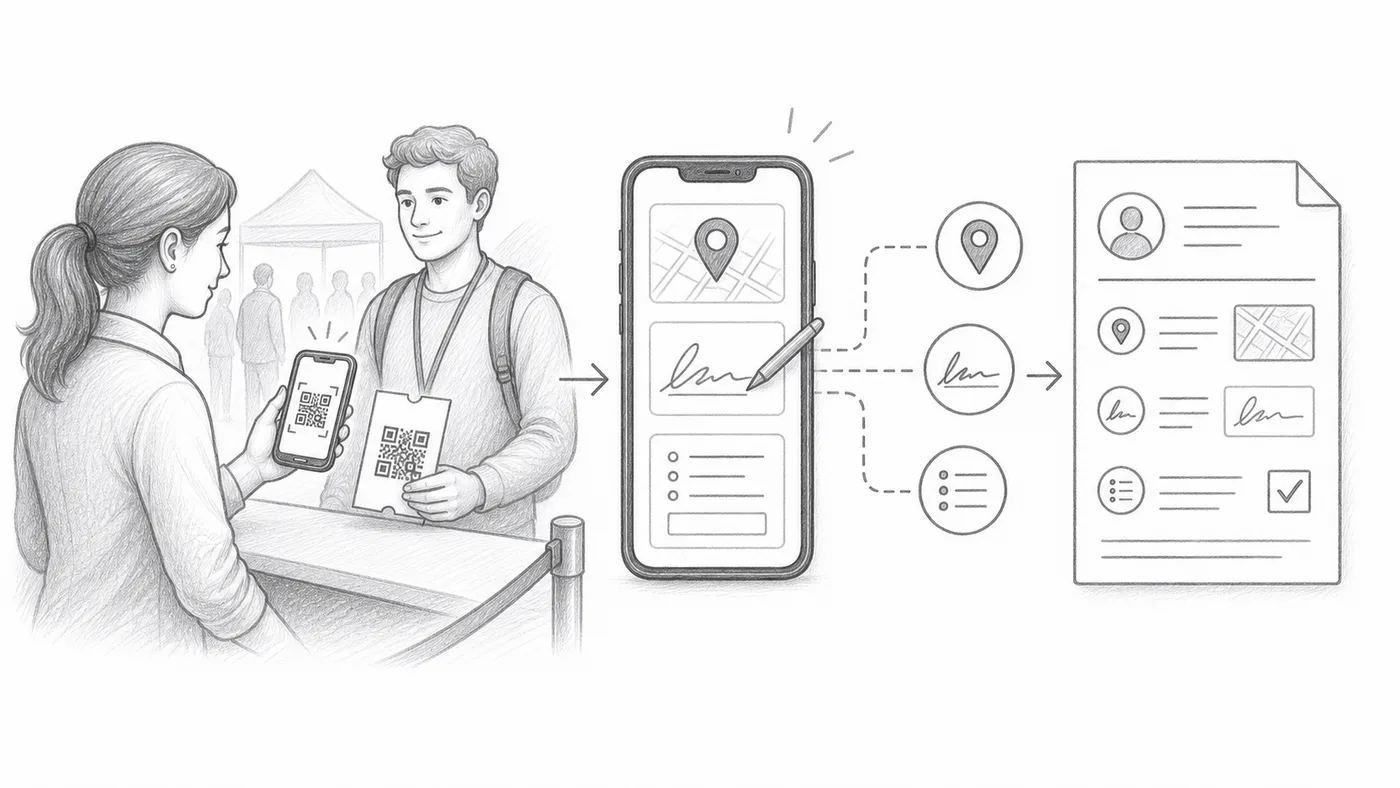
1단계
수집 옵션을 활성화하세요
GPS, 서명, 사용자 지정 체크인 양식 필드는 모두 체크인 설정에 있습니다. GPS와 서명은 고급 체크인 설정 아래에 있습니다.
2단계
직원에게 추가 단계를 교육하세요
각 스캔에 위치 권한, 서명 또는 필드 입력이 필요할 수 있습니다.
3단계
보고서를 검토하세요
수집된 값은 스캔 기록 옆 체크인 보고서에 나타납니다.
작동 방식
예시
Ada Mensah의 스캔에는 시간, 직원 계정, GPS, 서명, 사용자 지정 답변이 포함될 수 있습니다.
이런 실수를 피하세요
- GPS는 기기 권한이 필요하며 실내에서는 사용할 수 없을 수 있습니다.
- 추가 필수 필드는 체크인 줄을 느리게 합니다.
- 수집 담당자가 스캔만 해야 한다면 제한된 직원 계정을 사용하세요.
다음 단계
QR 코드 티켓을 시작할 준비가 되셨나요?
Google Sheets, Google Forms, Jotform, Tally, Fillout 또는 WordPress용 QR 코드 티켓을 만드세요. 이미 사용 중인 워크플로를 선택한 다음 참석자 명단을 한곳에 유지하세요.