GPS、签名和签到字段
适用于交付、培训出勤、审计记录、同意确认或在场证明。
第 1 步
启用采集选项
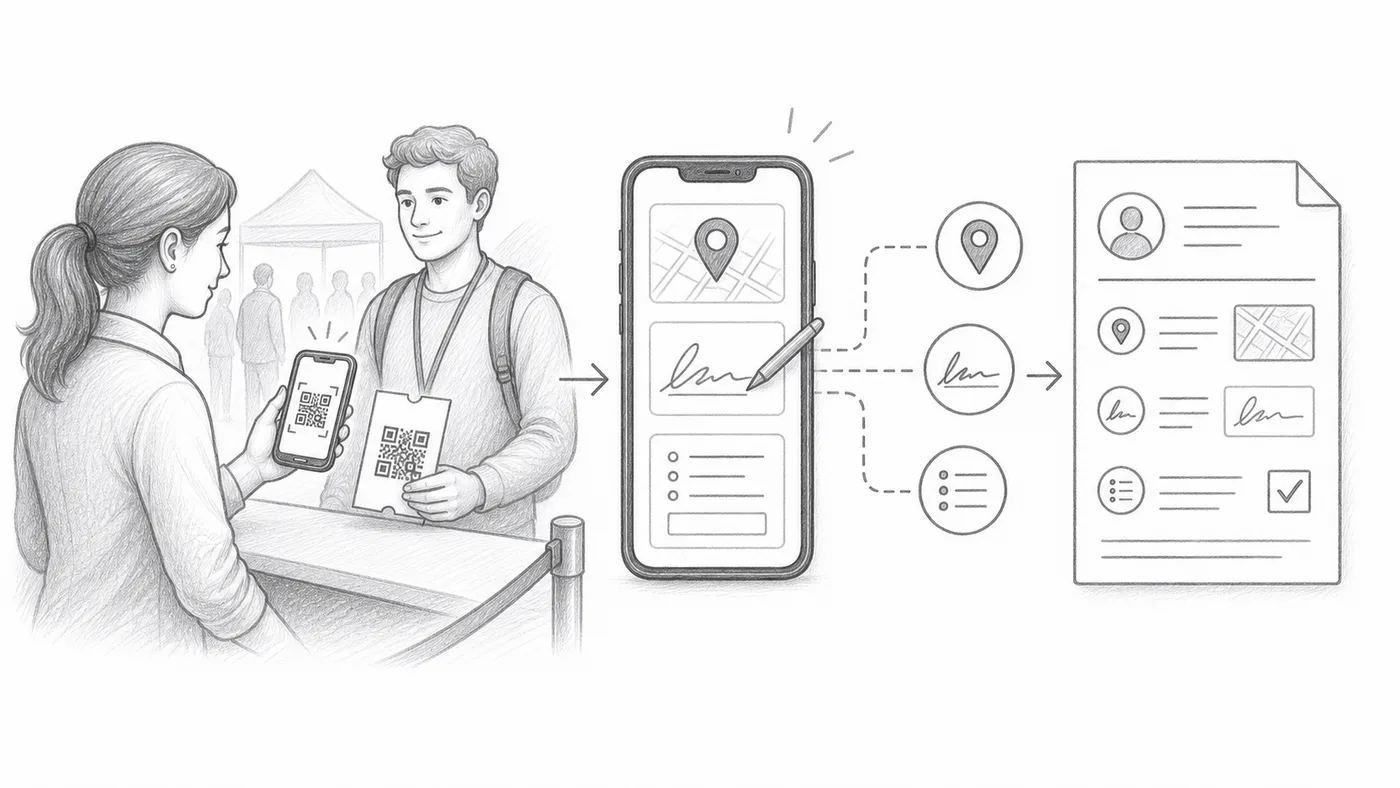
GPS、签名和自定义签到表单字段都在签到设置中——GPS 和签名在高级签到设置下。
第 2 步
培训工作人员完成额外步骤
每次扫描可能需要位置权限、签名或填写字段。
第 3 步
查看报告
采集的值会显示在签到报告中扫描记录旁边。
工作原理
Every extra thing you ask for is saved next to the scan.
示例
Ada Mensah 的扫描可以包含时间、工作人员账号、GPS、签名和自定义答案。
避免这些错误
- GPS 需要设备权限,在室内可能不可用。
- 额外的必填字段会拖慢签到队伍。
- 当采集人员只需扫描时,使用受限的工作人员账号。
下一步
准备好开始使用二维码门票了吗?
为 Google Sheets、Google Forms、Jotform、Tally, Fillout 或 WordPress 创建二维码门票。选择您已在使用的流程,然后把参与者名单保存在一个地方。