Zaten elinizde olan QR kodlarını kullanın
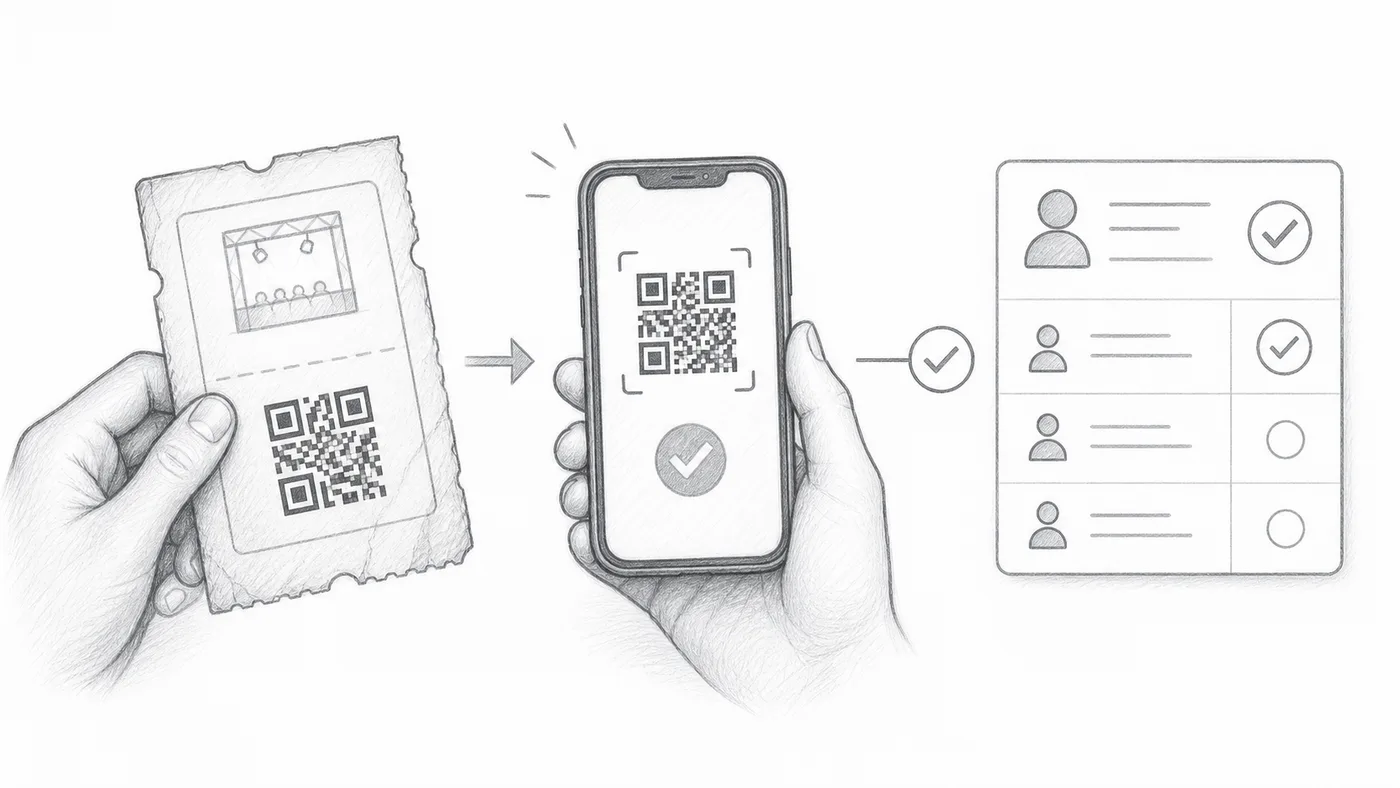
QR kodlarınız çoktan basıldı mı, ya da eski bir sistemden biletleriniz mi var? Hiçbir şeyi yeniden yazdırmayın: ayarı o kodların içindeki metne yönlendirin, giriş kontrol uygulaması bunları kendi biletlerinin yanında tanır.
Harici QR değerini saklayın
Mevcut QR kodunun içindeki metni bir sayfa sütununda veya form sorusunda saklayın.
O alanı seçin
Giriş kontrolü ayarları → Gelişmiş giriş kontrolü ayarları altında onu Özel QR içerik kaynağı olarak seçin.
İki QR'dan birini tarayın
Giriş kontrol uygulaması hem mevcut QR kodunuzu hem de eklentinin oluşturduğu bileti tanır.
Nasıl çalışır
Örnek
External QR code değerini kullanan bir QR kodu, oluşturulan bilet ile aynı katılımcıyı açar.
Bu hatalardan kaçının
- Ekran görüntüsü veya görsel bağlantısı değil, QR kodunun içinde saklanan metni kullanın.
- Yinelemeler kasıtlı değilse değerler katılımcı başına benzersiz olmalıdır.
- Etkinlik gününden önce birkaç gerçek bileti test edin.
Sonraki adım
QR kod biletlerine başlamaya hazır mısınız?
Google Sheets, Google Forms, Jotform, Tally, Fillout veya WordPress için QR kod biletleri oluşturun. Zaten kullandığınız iş akışını seçin, ardından katılımcı listenizi tek yerde tutun.