Use the QR codes you already have
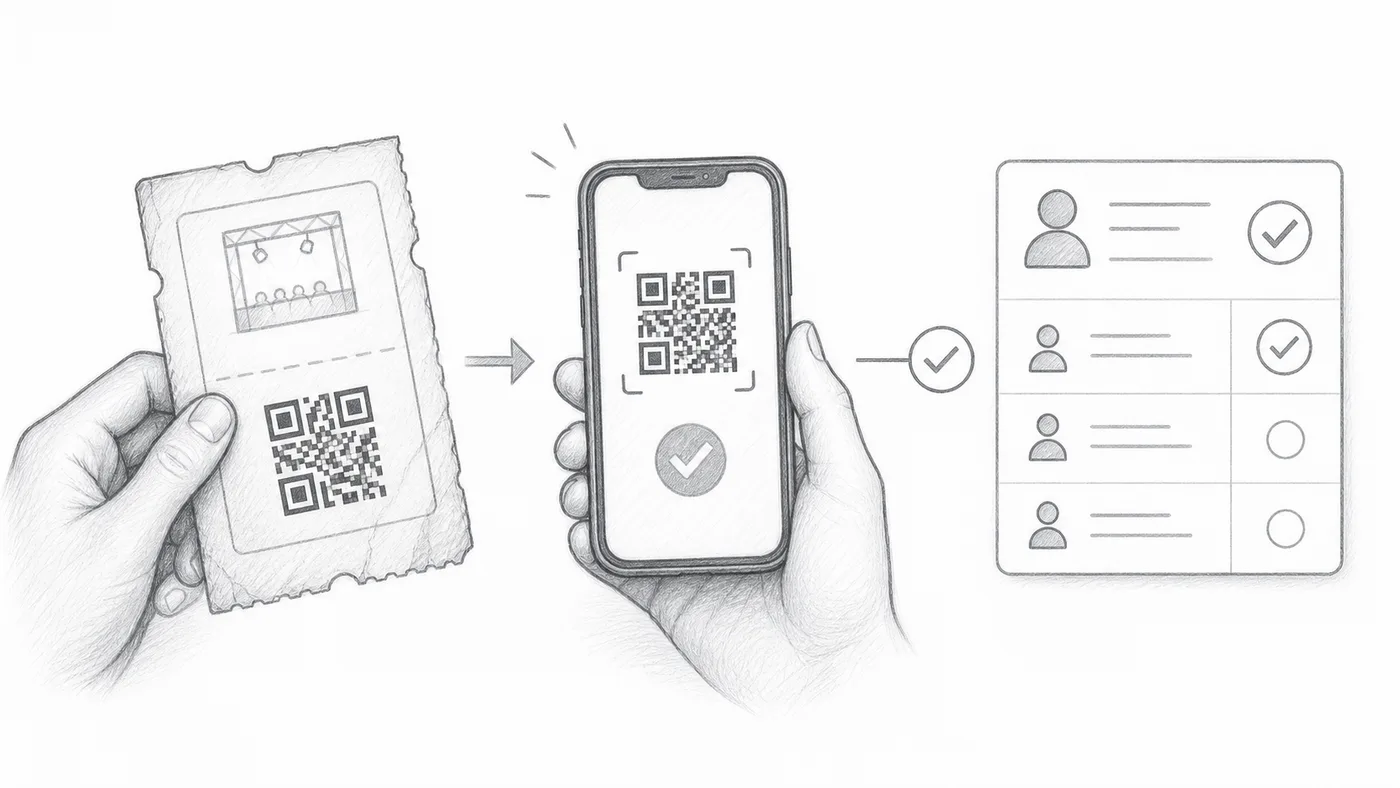
Already printed QR codes, or tickets from an older system? Do not reprint anything: point the setting at the text inside those codes and the check-in app recognizes them next to its own tickets.
Step 1
Keep the external QR value
Store the text inside the existing QR code in a sheet column or form question.
Step 2
Select that field
Choose it as Custom QR content source, under Check-in settings → Advanced check-in settings.
Step 3
Scan either QR
The check-in app recognizes both your existing QR code and the ticket created by the add-on.
How it works
Example
A QR code using the value from External QR code opens the same attendee as the generated ticket.
Avoid these mistakes
- Use the text stored inside the QR code, not a screenshot or image link.
- Values must be unique per attendee unless duplicates are intentional.
- Test several real tickets before event day.
Next step
Ready to get started with QR code tickets?
Create QR code tickets for Google Sheets, Google Forms, Jotform, Tally, Fillout, or WordPress. Pick the workflow you already use, then keep your attendee list in one place.