直接使用你已有的二维码
二维码已经印好了,或者手上有旧系统的门票?什么都不用重印:把设置指向那些二维码里的文本,签到应用就会在自家门票之外识别它们。
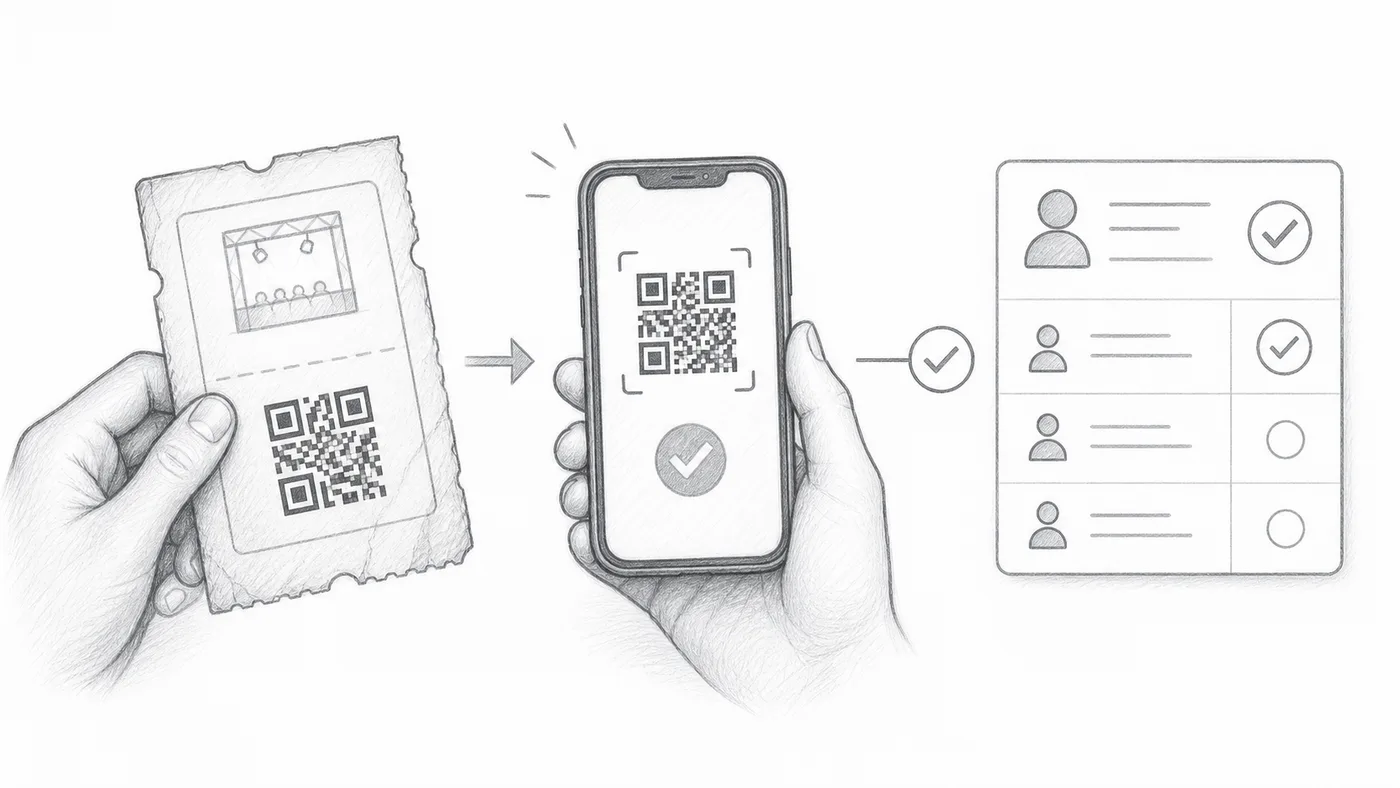
第 1 步
保留外部二维码的值
将现有二维码中的文本存入工作表列或表单问题。
第 2 步
选择该字段
在签到设置 → 高级签到设置中,将它选为自定义二维码内容来源。
第 3 步
扫描任意一个二维码
签到应用既能识别您现有的二维码,也能识别插件创建的门票。
工作原理
示例
使用 External QR code 中的值生成的二维码会打开与生成门票相同的参与者。
避免这些错误
- 使用二维码中存储的文本,而不是截图或图片链接。
- 除非有意重复,否则每位参与者的值必须唯一。
- 活动当天之前,先测试几张真实门票。
下一步
准备好开始使用二维码门票了吗?
为 Google Sheets、Google Forms、Jotform、Tally, Fillout 或 WordPress 创建二维码门票。选择您已在使用的流程,然后把参与者名单保存在一个地方。