选择来宾在门票邮件里看到什么
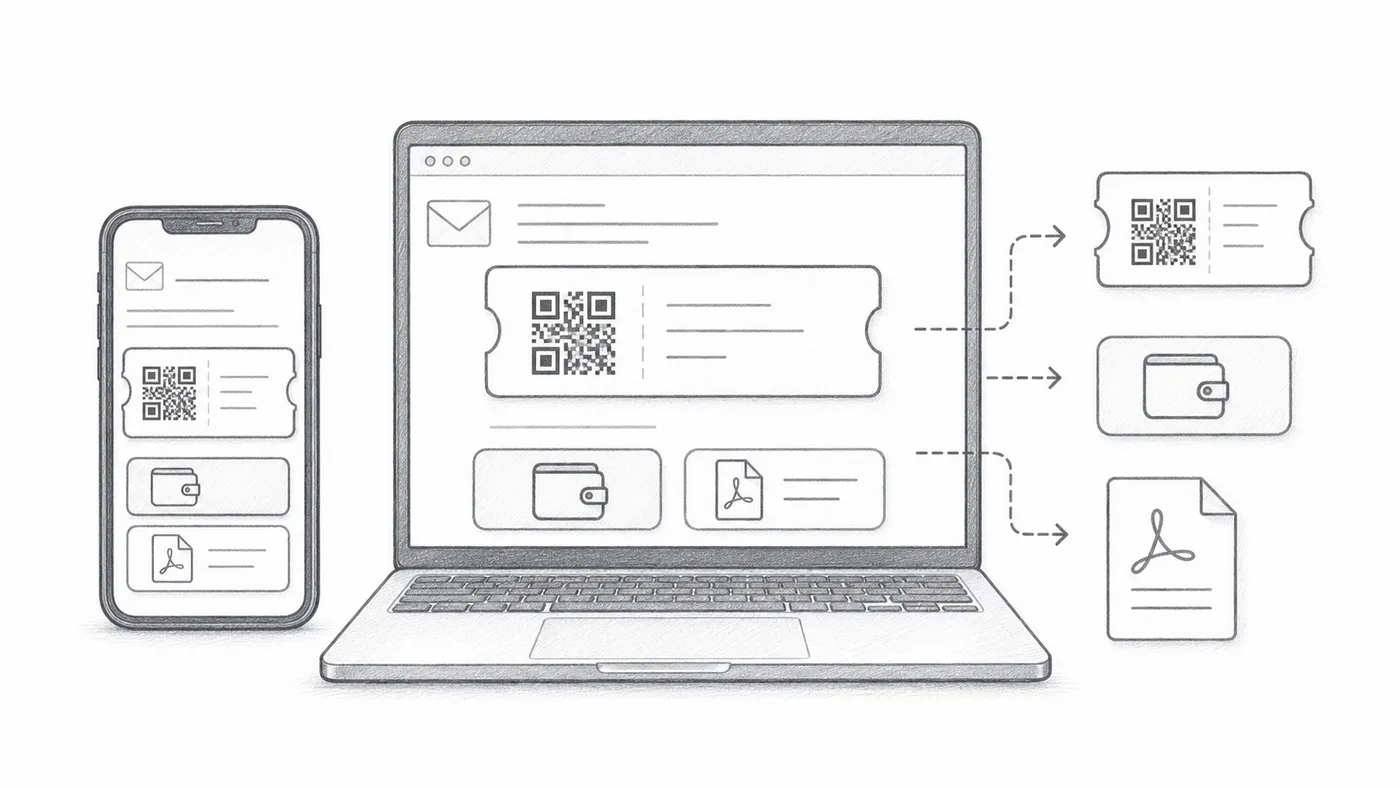
各家邮件应用处理邮件的方式不同:有的把图片藏在一次点击后面,有的裁剪长邮件。这些选项会把二维码妥帖地放进邮件里,无论来宾用什么应用,都能快速找到自己的票。
第 1 步
配置门票邮件
先设置邮件发给谁、写了什么:收件人字段、主题、正文、发件人和附件。
第 2 步
选择邮件显示的内容
二维码图片可以直接放在邮件正文里,下方可以出现 Google Wallet 和 Apple Wallet 按钮,PDF 页脚也可以带上短票码。来宾用不上的就关掉。
第 3 步
发送测试
在发送给所有参与者之前,先在手机和电脑上打开查看。
工作原理
示例
门票会发送到 Email address;内嵌二维码可以直接在邮件中显示二维码。
避免这些错误
- 有些邮件客户端默认隐藏图片。
- 钱包按钮适合以手机为主的活动。
- PDF 附件通常更适合打印。
下一步
准备好开始使用二维码门票了吗?
为 Google Sheets、Google Forms、Jotform、Tally, Fillout 或 WordPress 创建二维码门票。选择您已在使用的流程,然后把参与者名单保存在一个地方。