Kies wat gasten zien in hun ticketmail
E-mailapps behandelen berichten niet allemaal gelijk: sommige verbergen afbeeldingen achter een tik, andere knippen lange mails af. Deze opties plaatsen de QR-code zorgvuldig in de mail zodat elke gast zijn ticket snel vindt, welke app hij ook gebruikt.
Configureer de ticketmail
Stel eerst in wie de mail ontvangt en wat erin staat: ontvangersveld, onderwerp, tekst, afzender en bijlagen.
Kies wat de mail laat zien
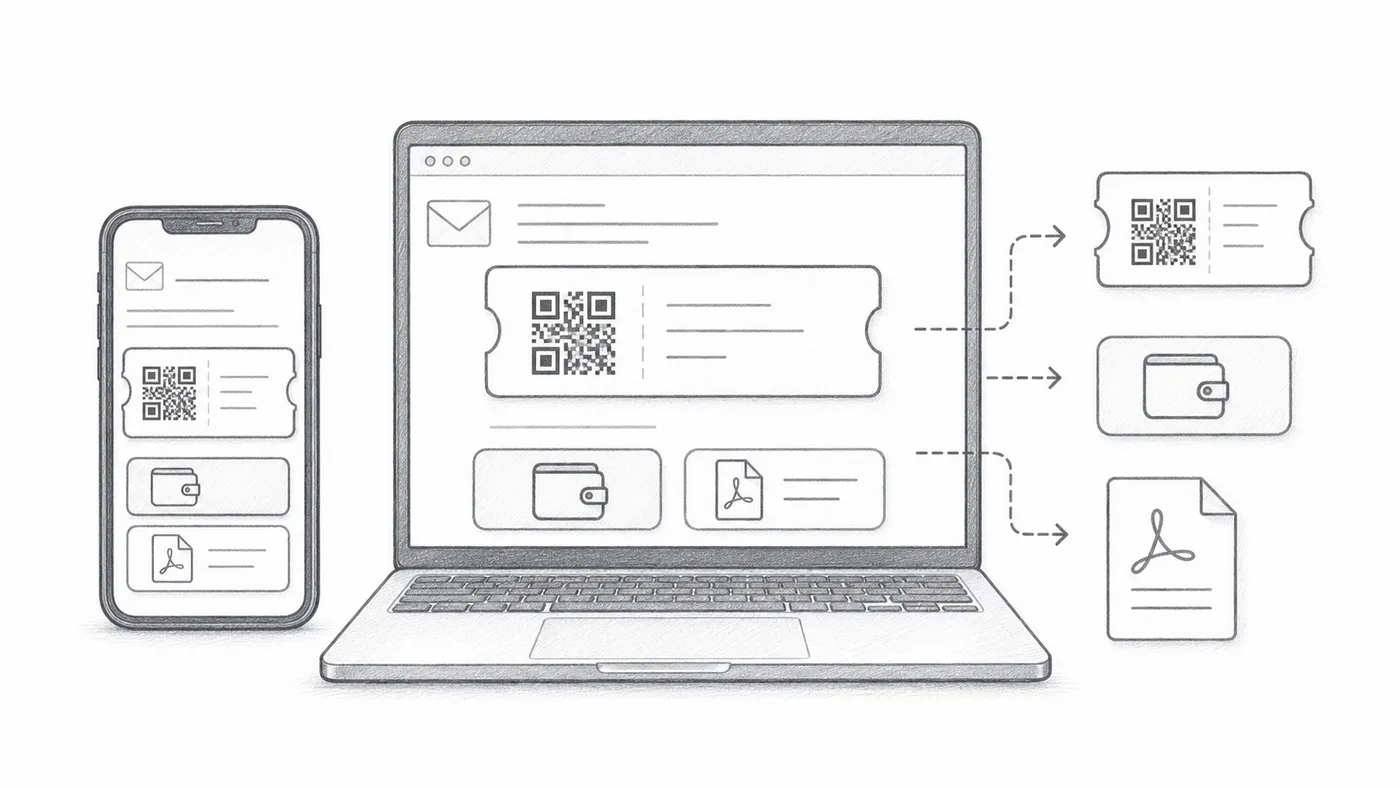
De QR-afbeelding kan in het bericht zelf staan, Google Wallet- en Apple Wallet-knoppen kunnen eronder verschijnen, en de PDF-voettekst kan de korte ticketcode dragen. Zet uit wat je gasten niet nodig hebben.
Verstuur een test
Open hem op mobiel en desktop voordat je naar alle deelnemers verstuurt.
Hoe het werkt
Voorbeeld
Tickets worden verstuurd naar Email address; met inline QR kan de code direct in het bericht worden getoond.
Vermijd deze fouten
- Sommige e-mailprogramma's verbergen afbeeldingen standaard.
- Wallet-knoppen zijn handig voor evenementen die vooral mobiel lopen.
- PDF-bijlagen zijn vaak betrouwbaarder om af te drukken.
Volgende stap
Klaar om aan de slag te gaan met QR-code-tickets?
Maak QR-code-tickets voor Google Sheets, Google Forms, Jotform, Tally, Fillout of WordPress. Kies de werkwijze die je al gebruikt en houd je deelnemerslijst daarna op één plek.